
Works with the right motor
The proposal is a control module, not a universal motor. Voltage, limit switches and interlock are checked before installation.
In designSensors and control
Open up the day. At your pace.
Raise and lower motorized shades from a wall control that matches the rest of your home.
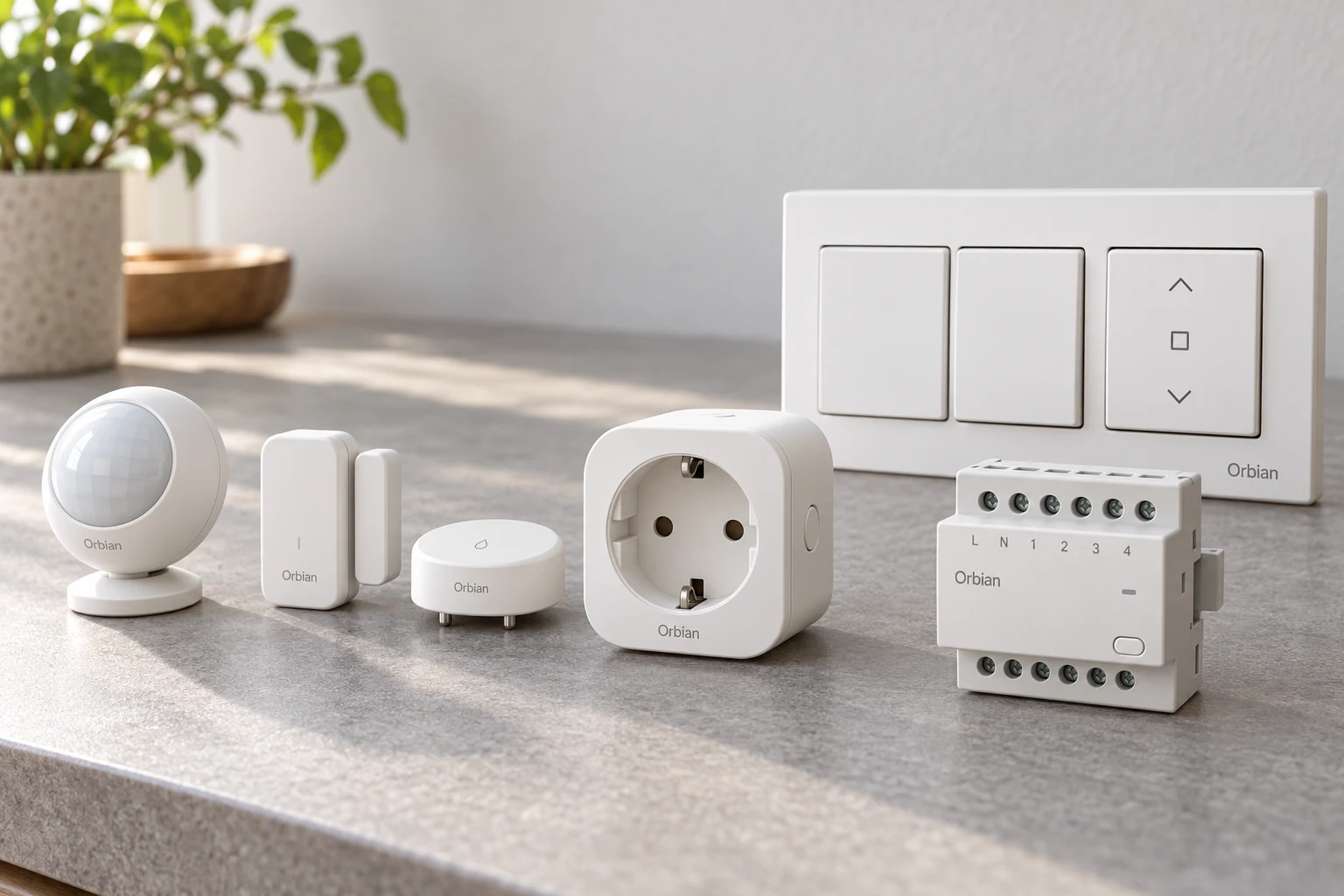
The proposal is a control module, not a universal motor. Voltage, limit switches and interlock are checked before installation.
Up, stop and down from the wall. Target position only when the motor and integration allow calibration.
If the shade has no motor, a separate motorization proposal is prepared. It’s not included implicitly.
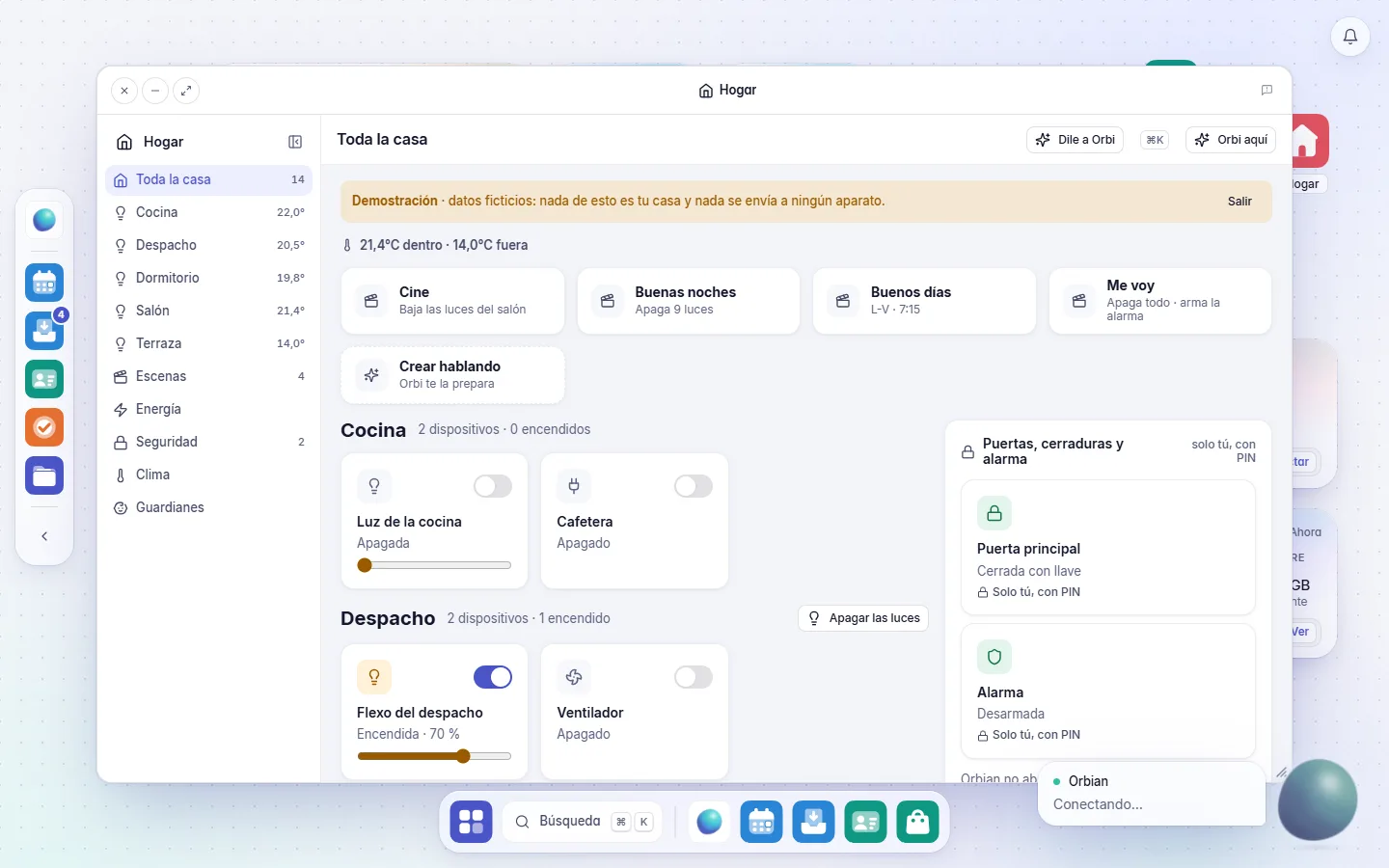
Home is the Orbian 2.0 app for your home. It runs on Home Assistant, on your network, and everything Orbi can do has its own permission level.
Try asking
YouLower the shades
Not today. In Orbian 2.0, shades are critical: they move with their own control or in Home Assistant.
Only you, with a PINYouStart the movie scene
A scene that moves shades can’t be started from Orbian.
Only you, with a PINYouHow’s the house?
Orbi sums up lights, climate and sensors; shades are shown with a padlock.
Orbi does itExample behaviour based on the Home rules. Not connected to any home.
Control module next to the motor; voltage and interlock are checked first.
Choose your rooms and what goes in each one. The floor plan draws itself as you go and, when you like it, you request a quote with that selection.
For safety, Orbian 2.0 treats shades as critical: Orbi doesn’t move them.
Up, stop and down from the wall, always.
Home talks to your Home Assistant inside your home, and Orbian never exposes its interface to the internet. Your access key lives in your vault and is never shown.
It uses cloud AI unless you have an Orbian Server with local models. It never handles anything critical (locks, alarm, shades, valves). Your conversations aren’t used to train models.
“To be confirmed” means it’s set with the final component and its testing. None of this is a final spec sheet.
Smart Home, the Orbian 2.0 app for your home, runs on Home Assistant on your network.
Compatibility to be reviewed: voltage, limit switches and interlock.
Sharing a protocol doesn’t guarantee every feature. The compatibility list will be built with specific, tested models.
Not today. In Orbian 2.0, shades are critical: Smart Home shows them with a padlock and they’re operated with their own control or in Home Assistant.
It needs to be motorized. A separate proposal is prepared; it’s not included implicitly.
Yes. Local control always stays.
The proposal is a single hub, Orbian Hub, with peripherals connected to it. If you already have a compatible hub, we look into the integration.
Not yet. Orbian Domotic is in design, with no sales, reservations or published price. You can request a quote with your floor plan or book an Orbian demo.
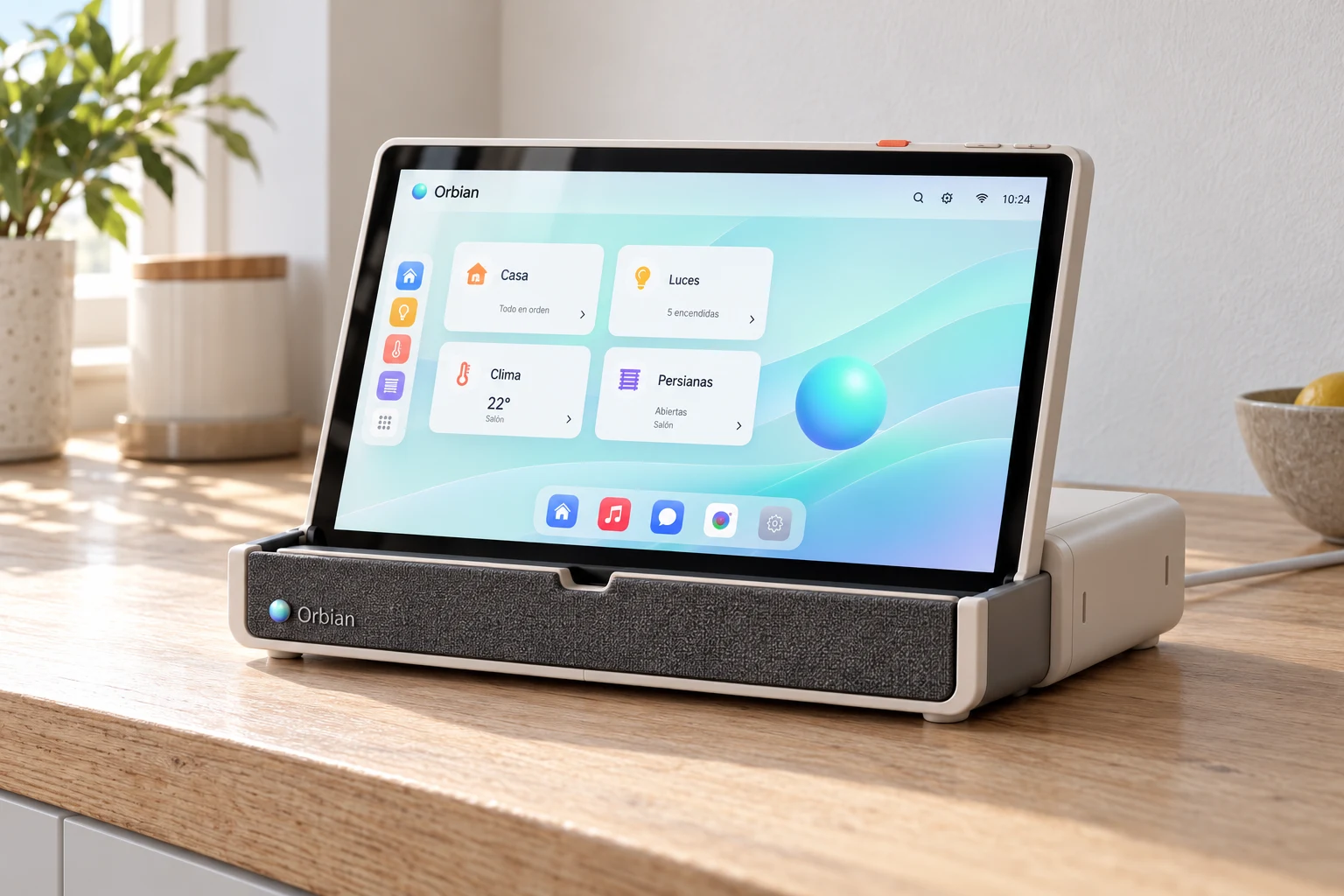 Hub with displayOrbian HubTalk to your home. Or touch it.
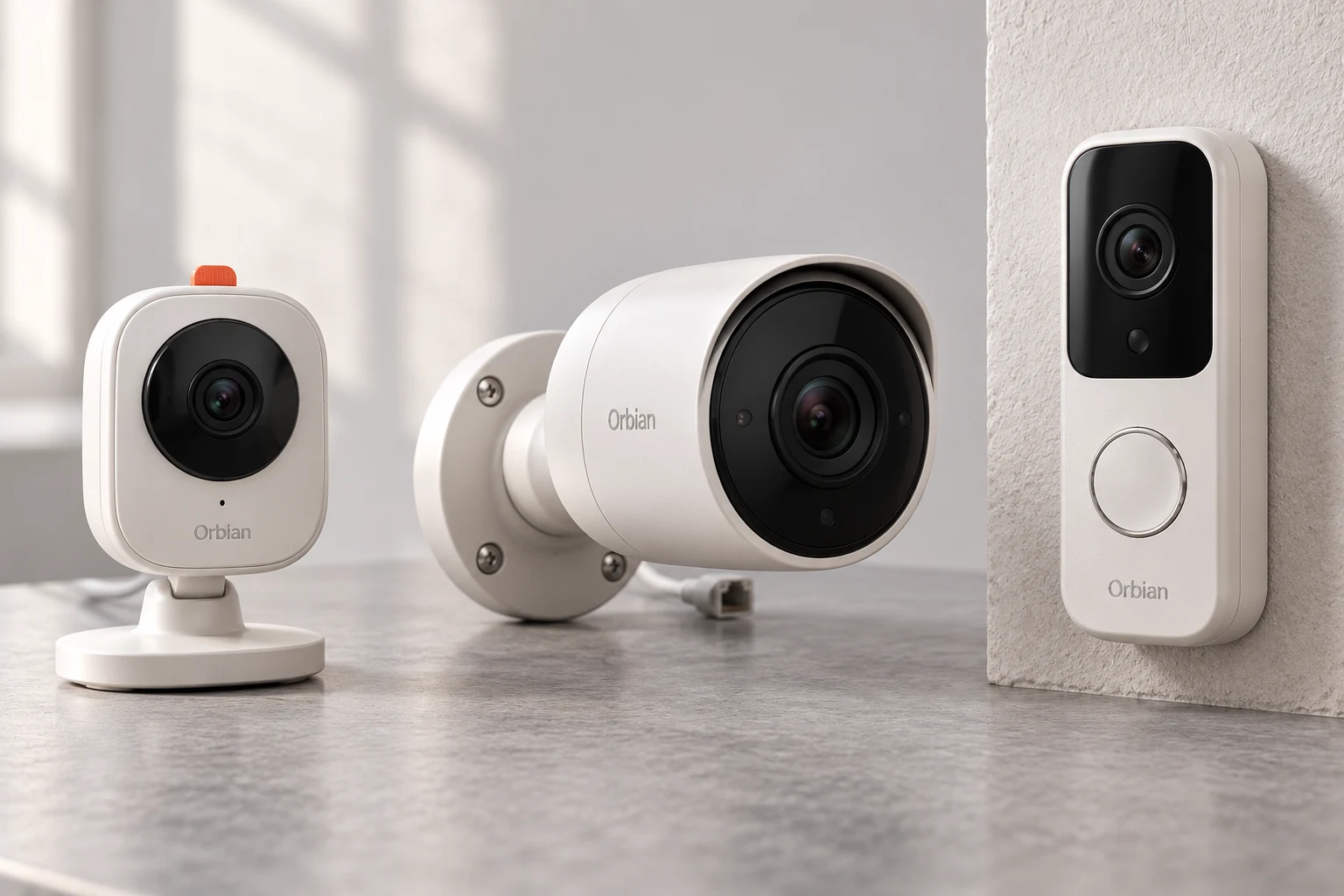 Cameras and accessOrbian Cam InteriorA quick look. Whenever you want.Orbian Cam ExteriorThe outside, under your control.Orbian DoorYour door, one tap away.
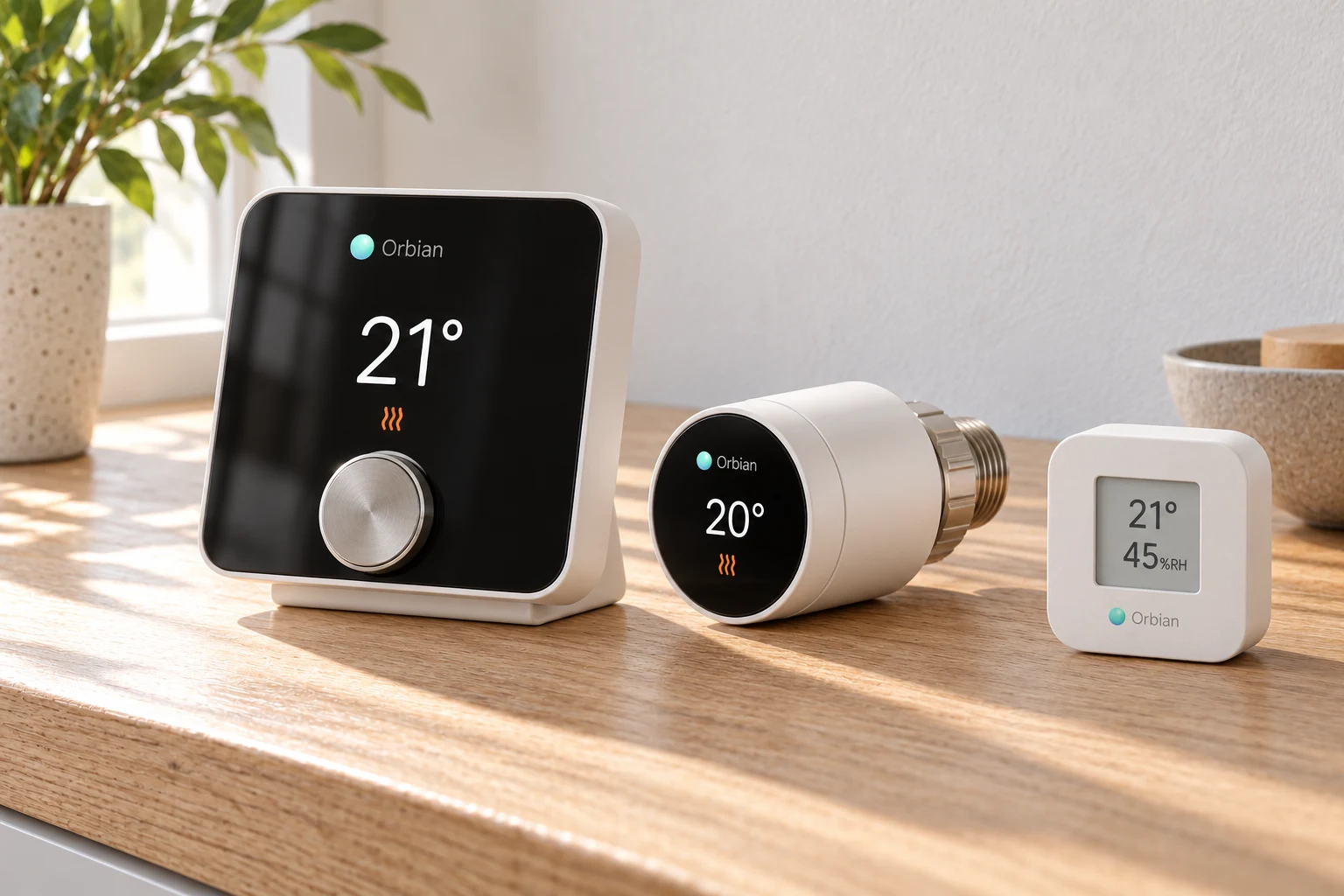 Climate controlOrbian ClimaEvery room at its own temperature.
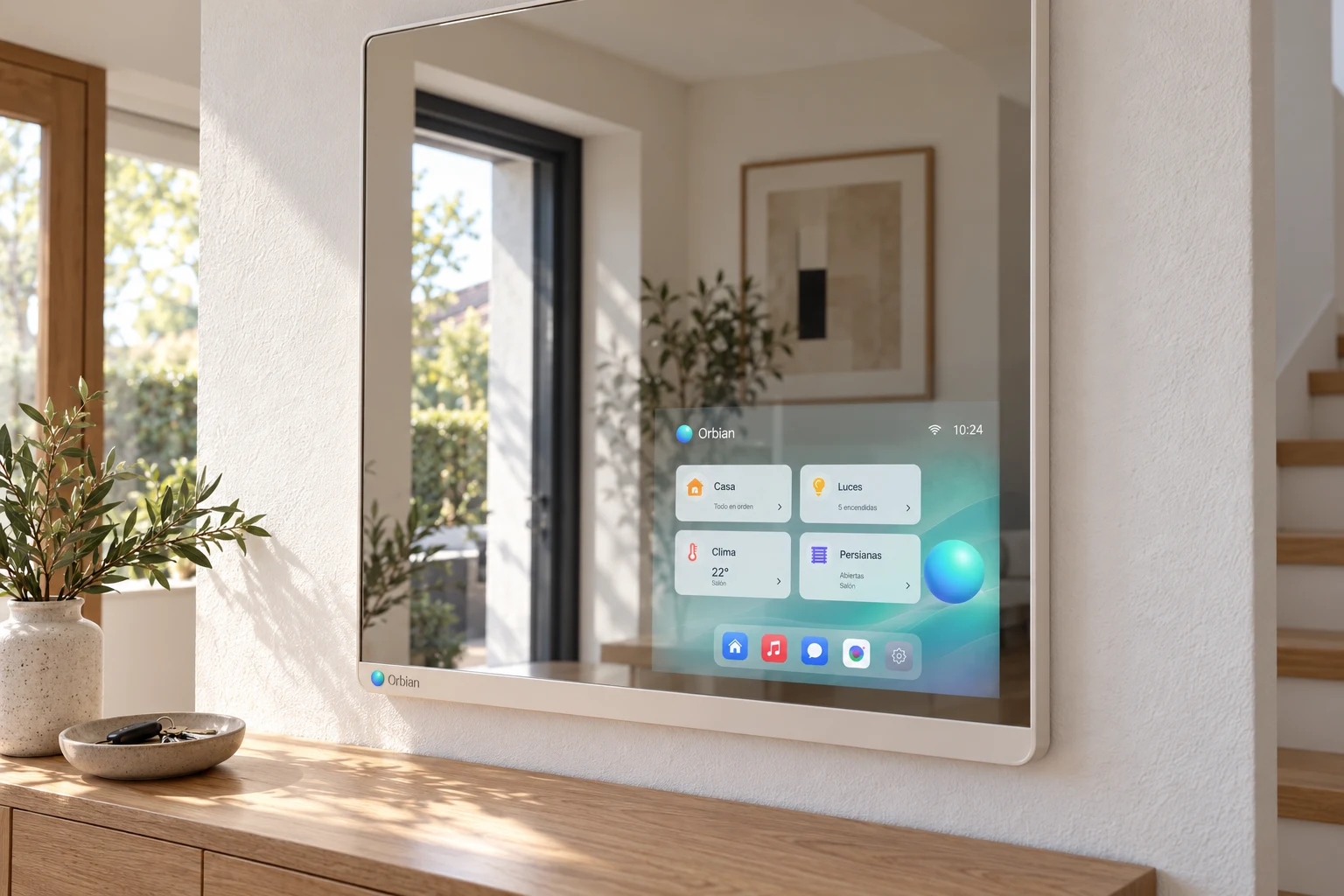 Control surfacesOrbian Mirror / GlassYour home, on glass too.
Tell us what you need or plan your home. We’ll reply with a tailored proposal, no strings attached.

Automated guide
Popular topics
This chat does not send or store your messages. Please do not include personal data.