
Keep the way you switch on
Switches and push buttons are assessed with your current wiring. The physical control remains part of the design.
In designSensors and control
Light, just the way you like it.
Turn off the living room with a sentence and still have the switch you’ve always had.
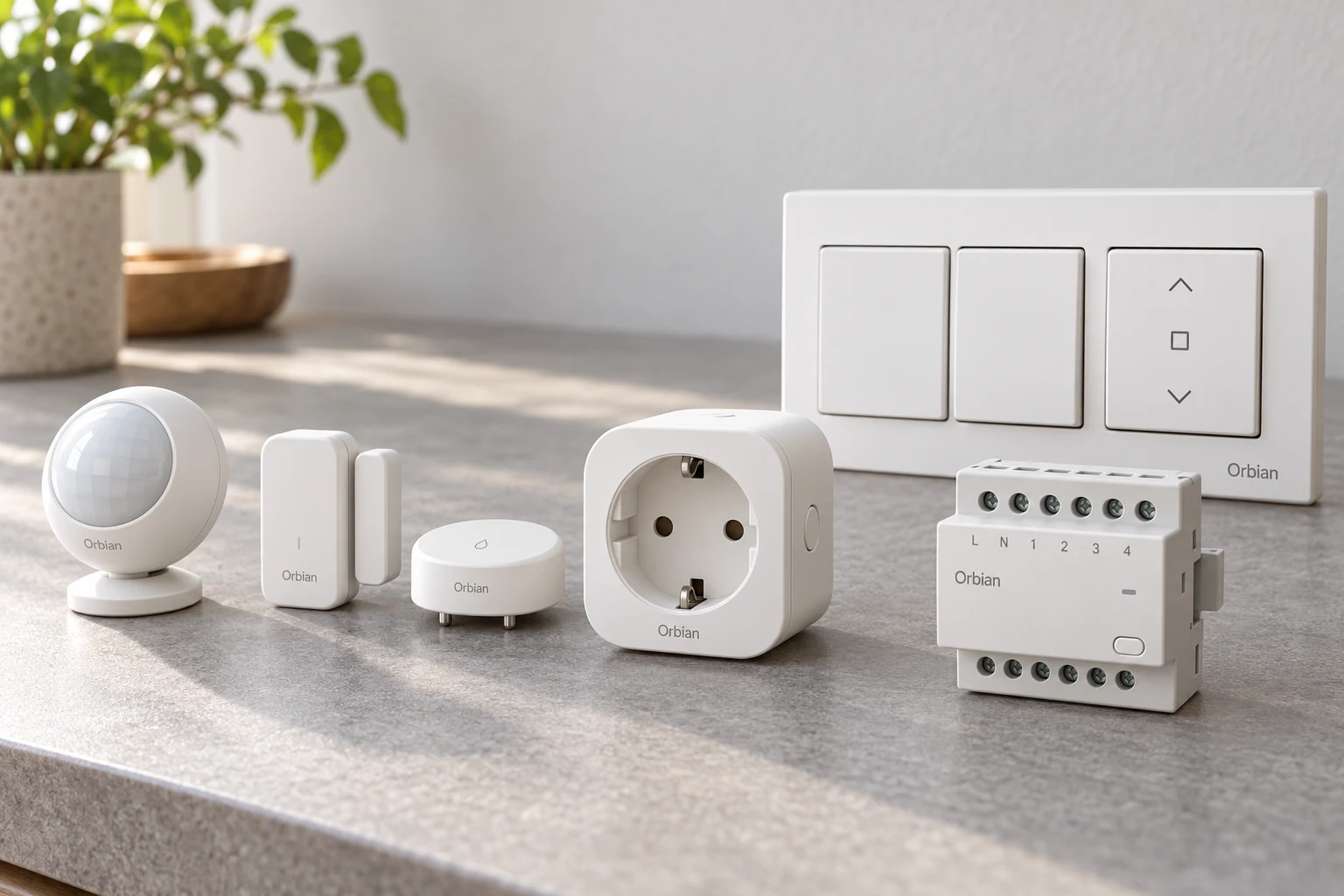
Switches and push buttons are assessed with your current wiring. The physical control remains part of the design.
Not all LEDs are dimmable. Driver, minimum load, neutral and dimming method are validated for each circuit.
Each point is identified by room, circuit and load. The final hardware and fitting are agreed with a qualified installer.
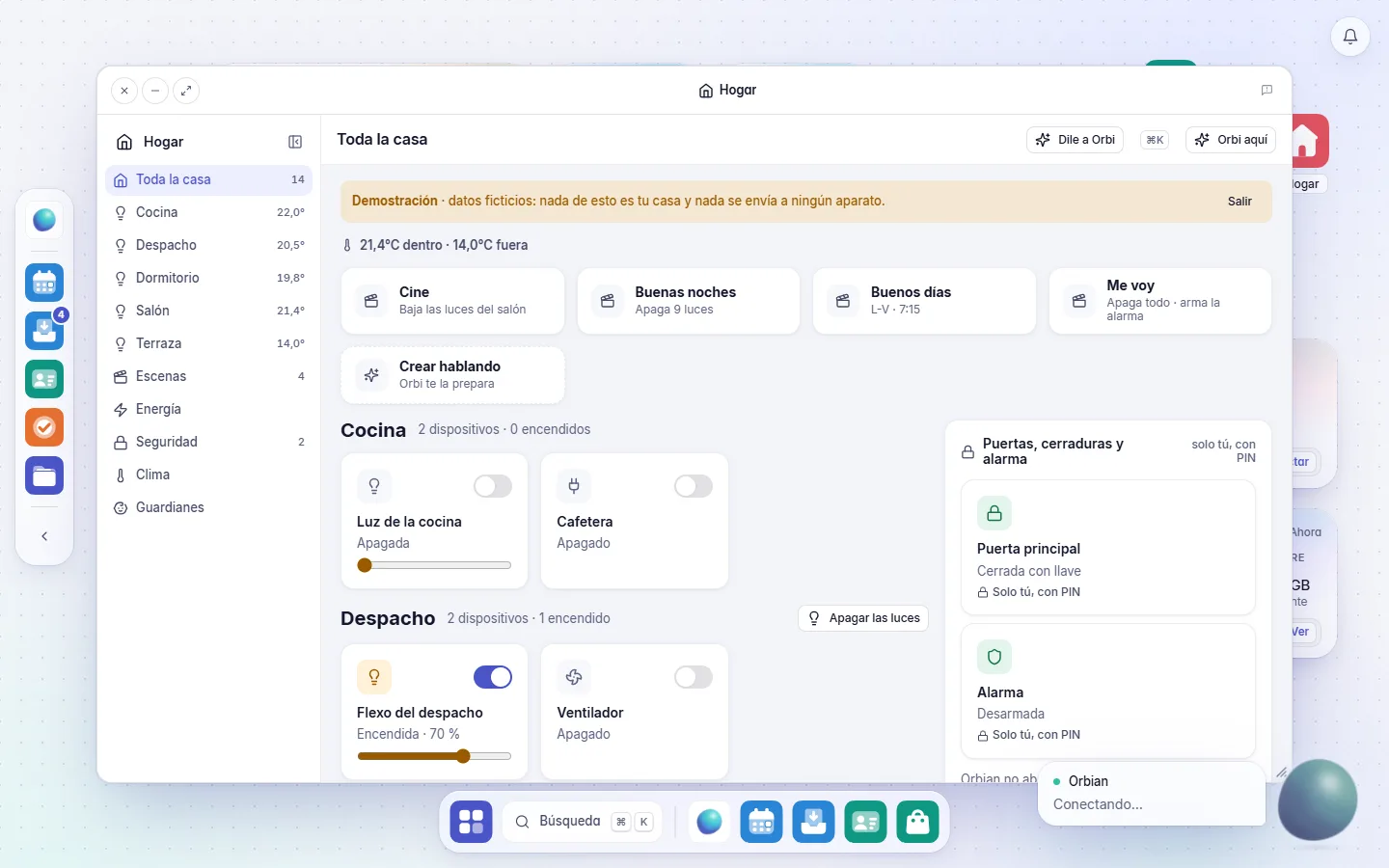
Home is the Orbian 2.0 app for your home. It runs on Home Assistant, on your network, and everything Orbi can do has its own permission level.
Try asking
YouTurn off the living room lights
Orbi prepares the change and asks for your OK. Voice works here.
Asks for your OKYouSet the desk lamp to 70%
Brightness and on/off for each light, with your OK.
Asks for your OKYouStart the good night scene
A card with everything it turns off; it runs with your click.
Only with your clickExample behaviour based on the Home rules. Not connected to any home.
Wall control or in-box module; circuit and neutral are checked first.
Choose your rooms and what goes in each one. The floor plan draws itself as you go and, when you like it, you request a quote with that selection.
The physical control is part of the design: the light turns on even if the network fails.
Each point is identified by room, circuit and load.
Home talks to your Home Assistant inside your home, and Orbian never exposes its interface to the internet. Your access key lives in your vault and is never shown.
It uses cloud AI unless you have an Orbian Server with local models. It never handles anything critical (locks, alarm, shades, valves). Your conversations aren’t used to train models.
“To be confirmed” means it’s set with the final component and its testing. None of this is a final spec sheet.
Smart Home, the Orbian 2.0 app for your home, runs on Home Assistant on your network.
Not all are: driver and dimming method are validated per circuit.
Sharing a protocol doesn’t guarantee every feature. The compatibility list will be built with specific, tested models.
No. The physical control is part of the design and stays.
No. Not all LEDs are dimmable; it’s checked circuit by circuit.
Fixed installation requires qualified personnel. It’s specified in the quote.
The proposal is a single hub, Orbian Hub, with peripherals connected to it. If you already have a compatible hub, we look into the integration.
Not yet. Orbian Domotic is in design, with no sales, reservations or published price. You can request a quote with your floor plan or book an Orbian demo.
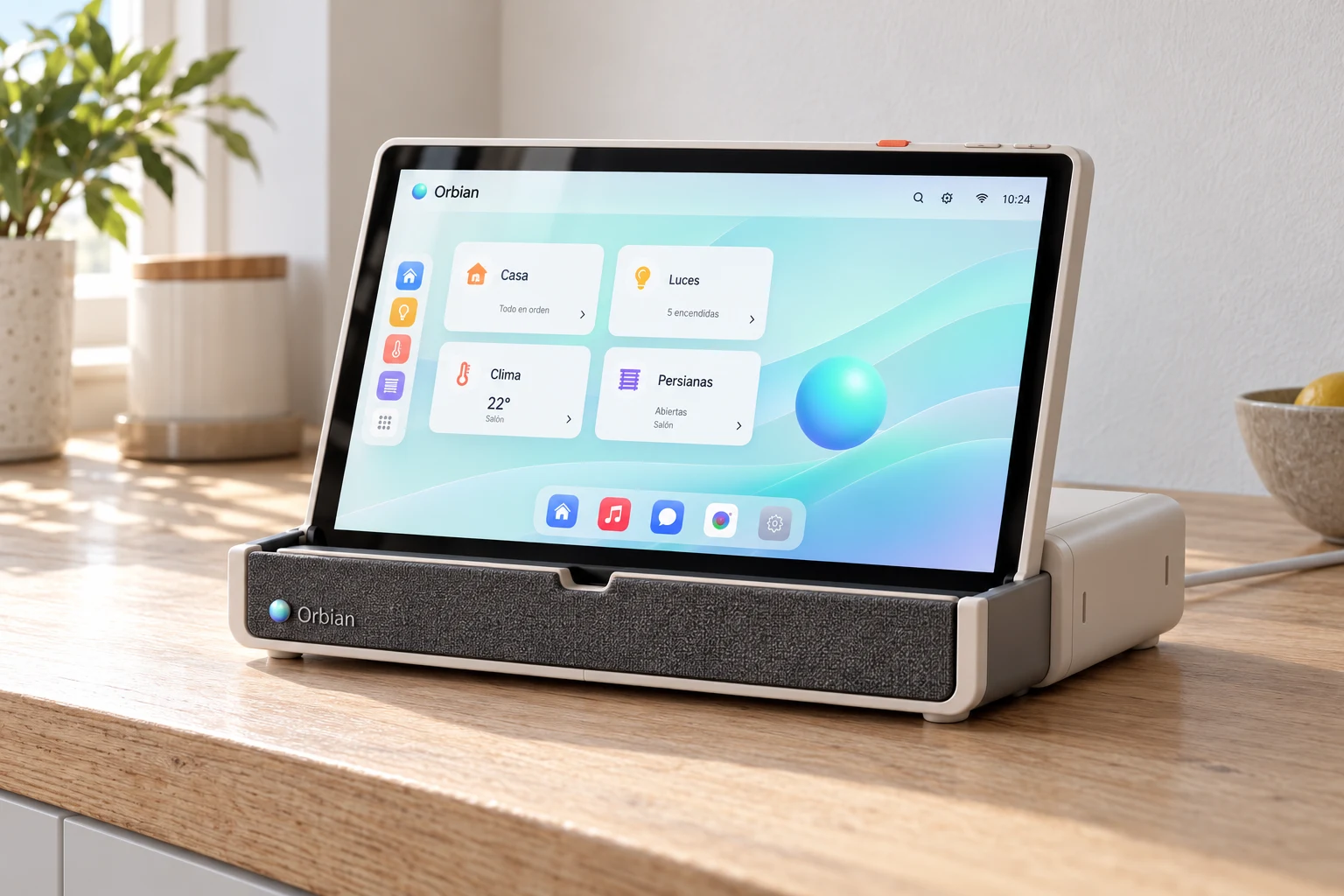 Hub with displayOrbian HubTalk to your home. Or touch it.
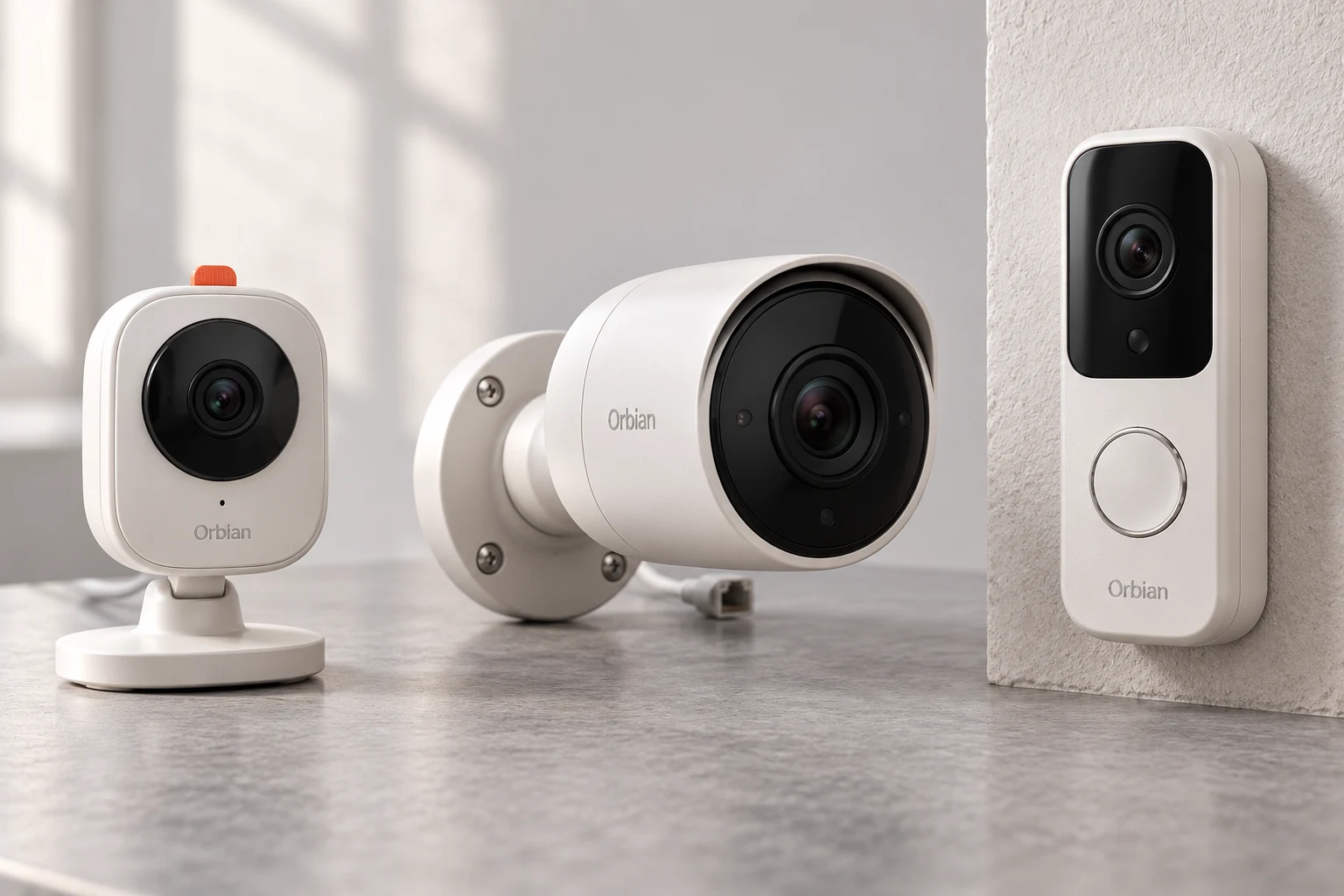 Cameras and accessOrbian Cam InteriorA quick look. Whenever you want.Orbian Cam ExteriorThe outside, under your control.Orbian DoorYour door, one tap away.
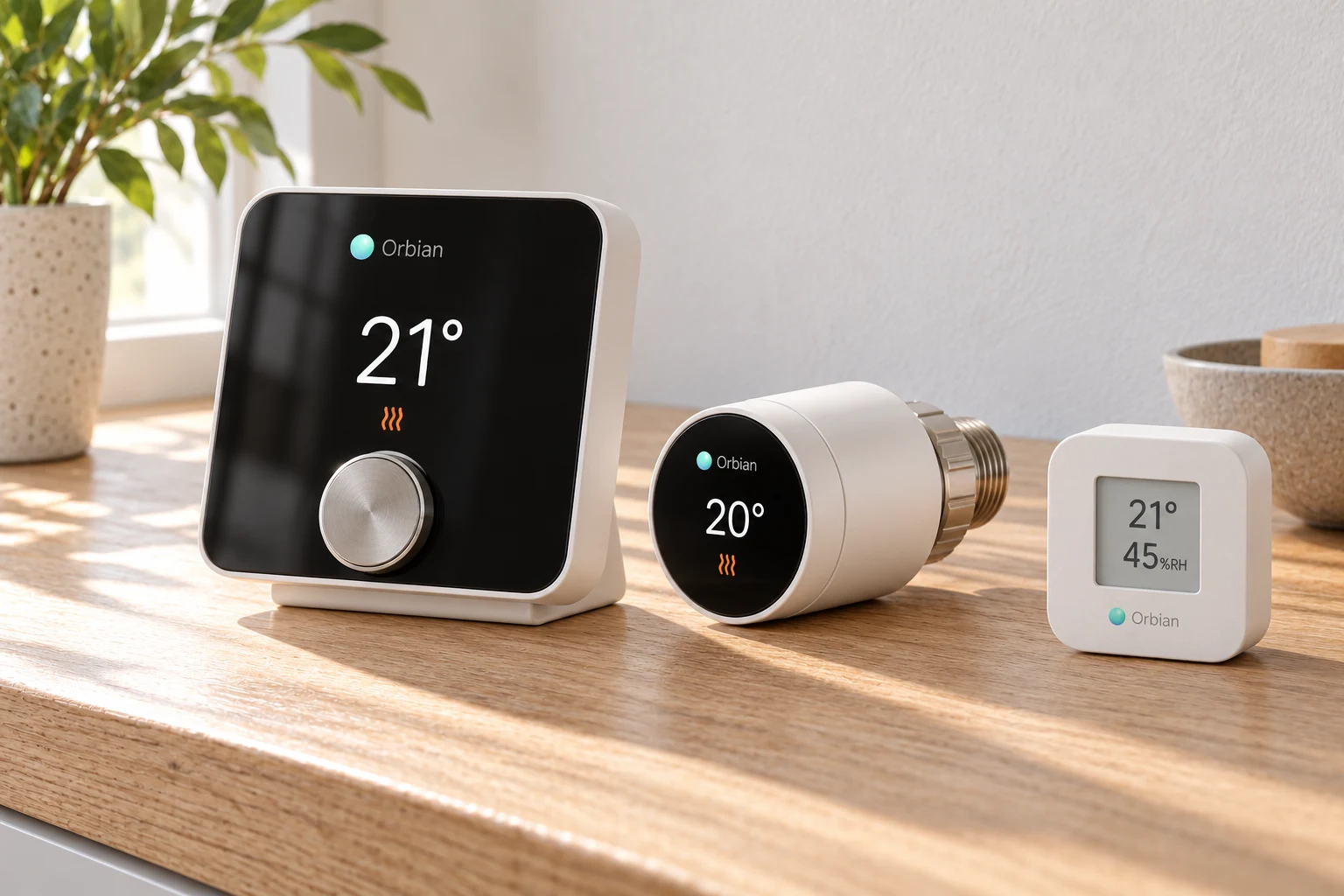 Climate controlOrbian ClimaEvery room at its own temperature.
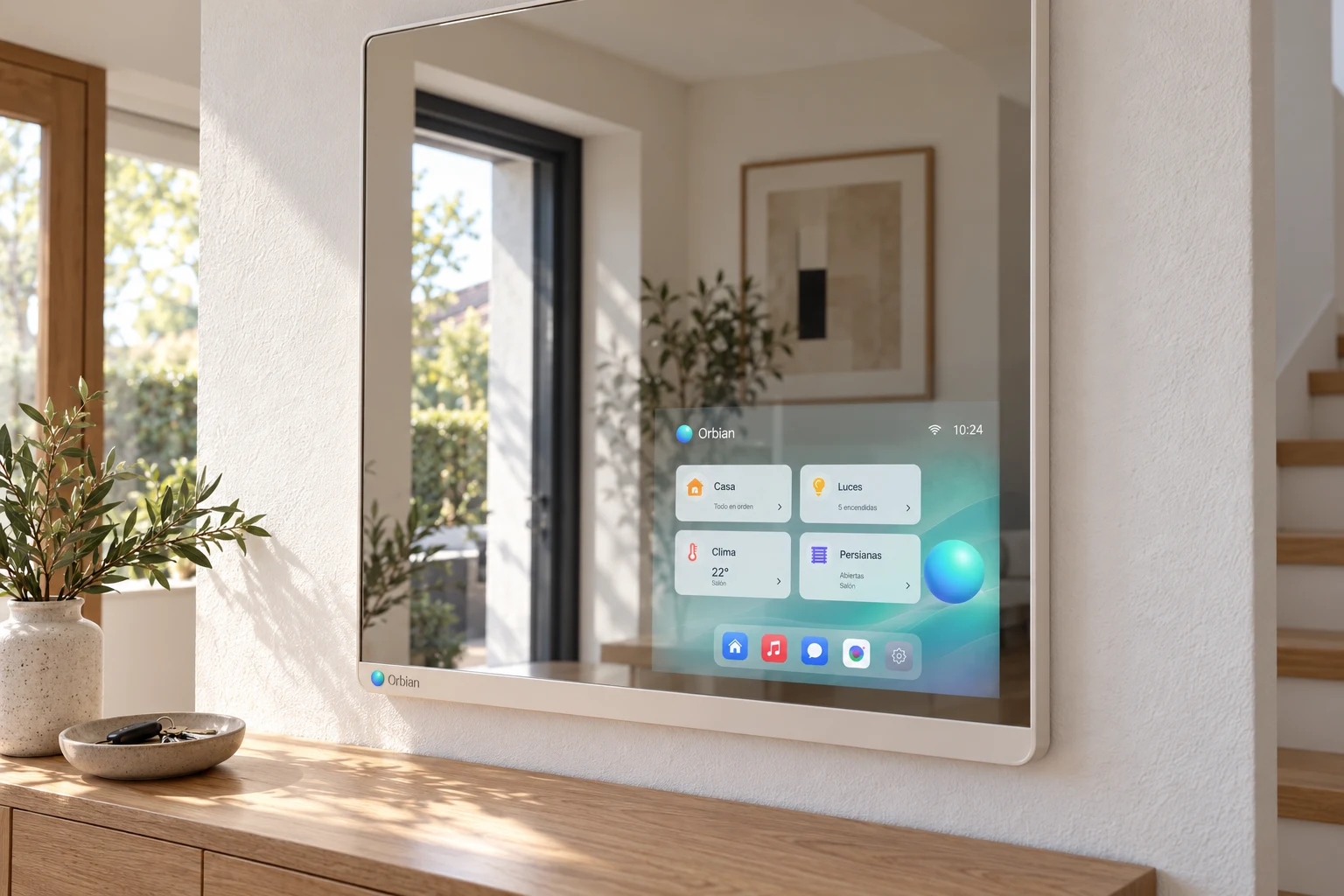 Control surfacesOrbian Mirror / GlassYour home, on glass too.
Tell us what you need or plan your home. We’ll reply with a tailored proposal, no strings attached.

Automated guide
Popular topics
This chat does not send or store your messages. Please do not include personal data.