Quote on requestInstallation and rollout included
Your AI,in your office.
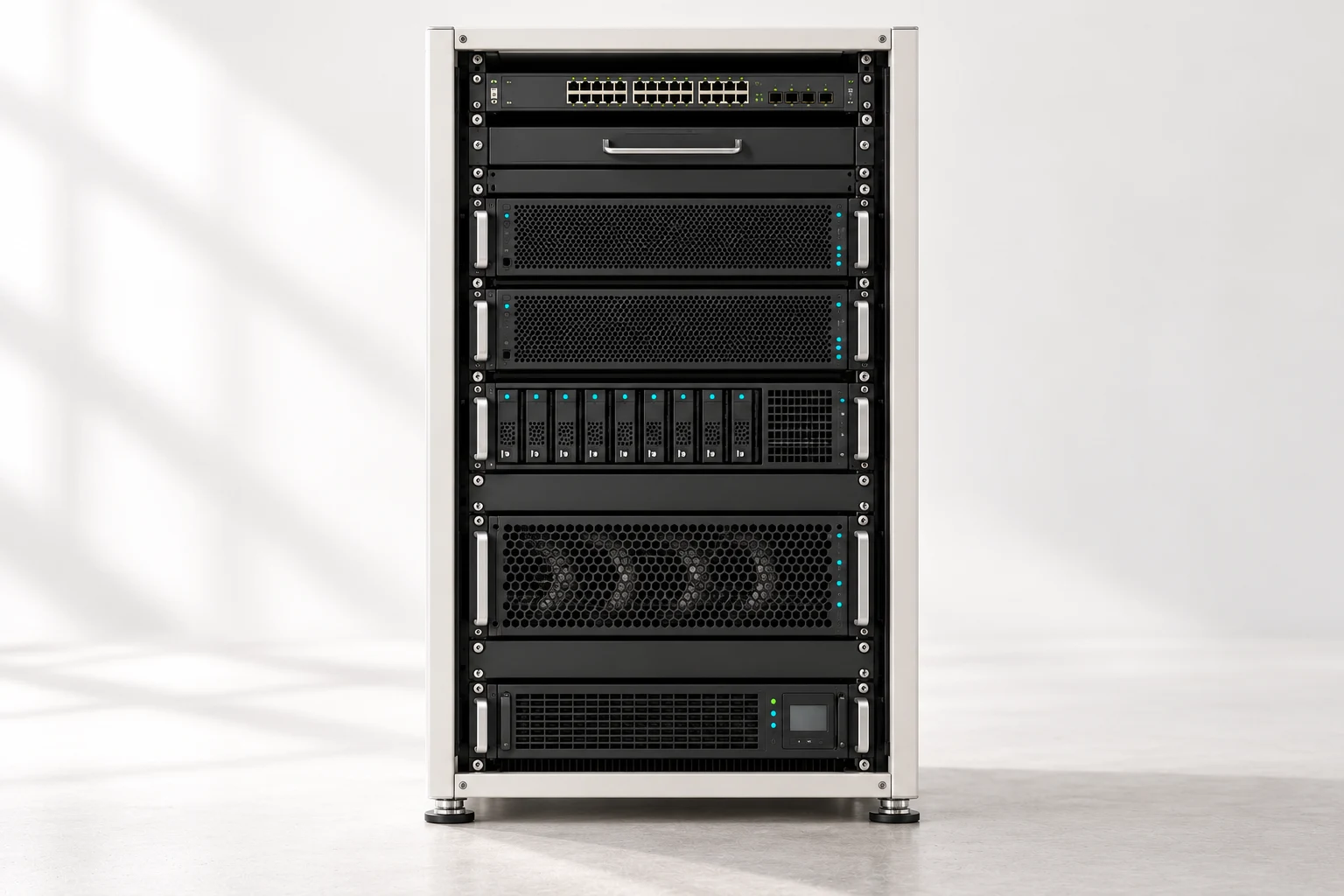
For offices, firms and teams that want Orbian, its apps and local AI models on their own premises. A modular 19-inch rack that we design, install and get running with you.
Design in development · AI-generated conceptual images. Hardware subject to validation.
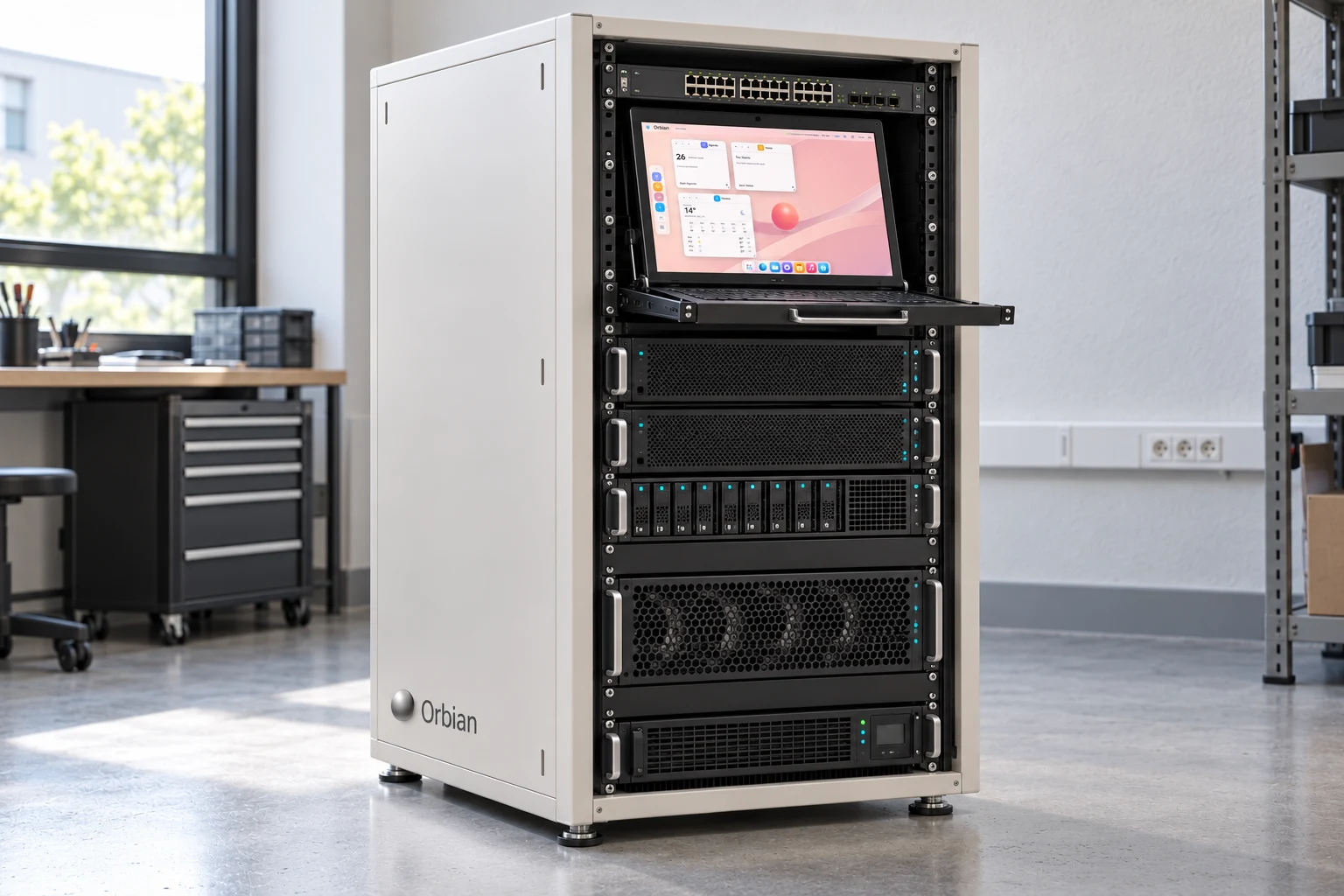
Orbian for the whole team. In your own rack.
Orbian Server Business brings Orbian’s operating system, the team’s apps, their data and, if you want, local AI together in your office. Everyone signs in with their own account and permissions, from the browser or the Orbian app.
With Orbian 2.0, this is what it does in the office.
- ChatTalk to Orbi and ask for whatever you need, by text or by voice.
- Team ChatLabsTeam channels and messages, on your server.
- MailAll your email accounts in one inbox, with AI and emails that get delivered.
- CalendarYour calendar in your own cloud, with Orbi.
- FilesYour files and your clouds in one place, searchable by what they say inside.
- WriterDocuments with styles, tables and contents, and an Orbi that edits with tracked changes.
- CalcSheets with formulas, pivot tables and charts that never make up a number.
- MeetVideo calls with a link and automatic minutes.
- CRMConversations, sales and AI agents in one place.
- FlowsFrom intention to action: automations you build by dragging.
- AgentsLabsCreate AI agents and teams without code and watch them work.
- BackupsLabsEncrypted 3-2-1 backups, with a test restore every month.
Accounts and permissions per person. With the AI modules, what Orbi processes stays on your network; if you use a cloud model (through OpenRouter), Orbian tells you first. And Orbi always asks permission before sending, paying or deleting.
Your clients’ documents, on your network.
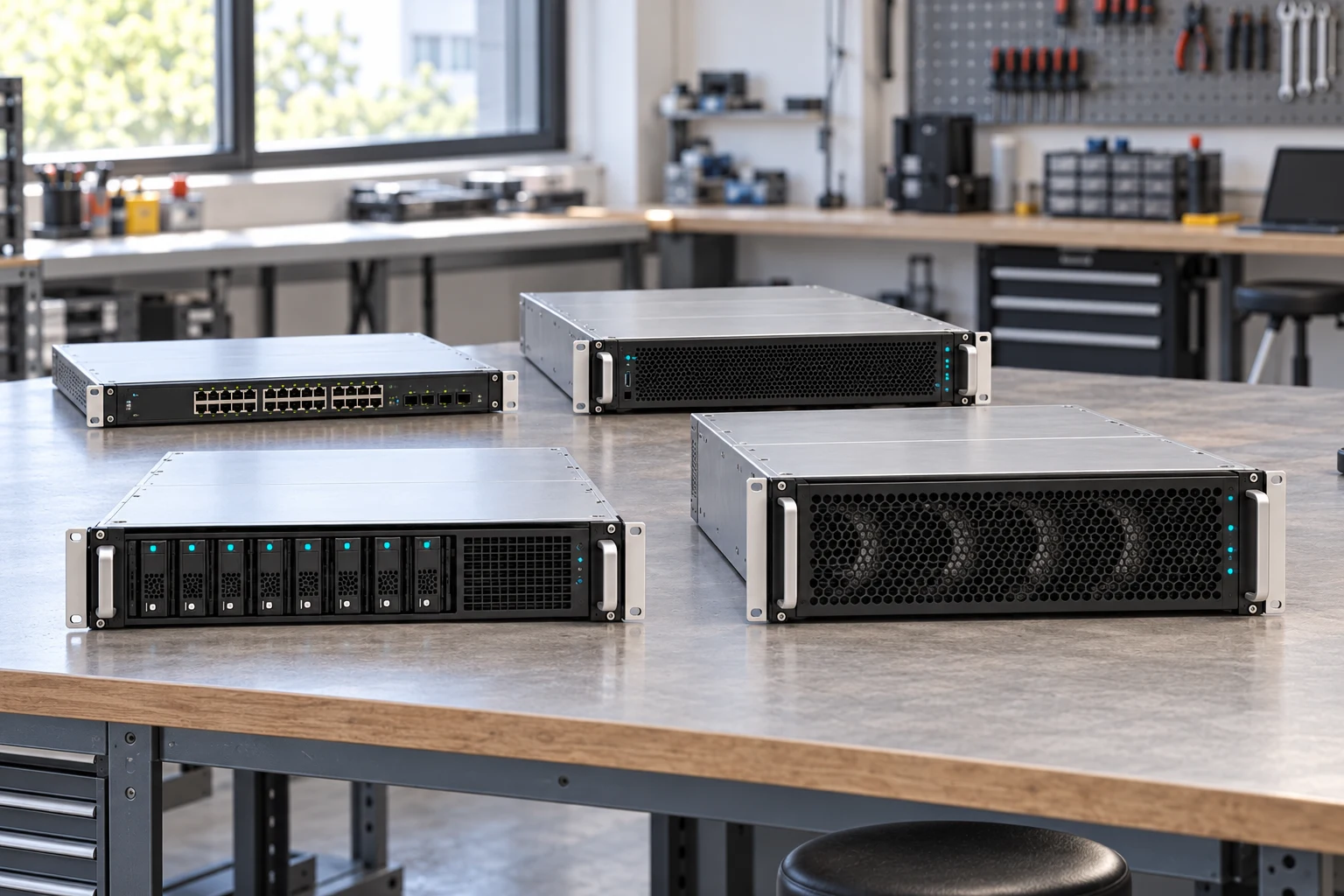
With one or two AI modules, Orbi works with local models in your office: Orbi 1.1, built on Gemma 4. Each module is a 4U acceleration server with its own GPU, graphics memory and cooling.
Which model fits, and for how many people at once, depends on the model, the context and the quantisation: we size it to your workload and test it before delivery. We don’t publish performance figures without testing.
Meet OrbiYour company’s model, on your infrastructure.
With Forja, Orbi models are fine-tuned on your AI modules and tested against the model in use before they work with the team. No change goes live without explicit approval, and you can always roll back to the previous version.
See ForjaTraining
On your AI modules, with Flash or standard recipes and only with synthetic data, each set with its own fingerprint.
Test
Against the model in use: per app, on privacy and on risk. No pass, no promotion.
Approval
Promotion requires explicit confirmation with a click; never a voice command.
Rollback
The previous version is restored in a moment, with every change logged.
By default, neither training nor models leave your servers; the GPU cloud is optional and only launched by hand. Orbi models start from Gemma 4 and run locally. Forja doesn’t train on personal data.
One function per module. One system for your team.
Start with what you need today and leave room for tomorrow. Each module has its own resources and role, and can be changed without rebuilding the whole.
Everything connected.
Switch, management and cabling with accessible routing. 10 or 25 GbE on the data network.
The day-to-day work.
1 to 6 independent nodes for apps, services, development and virtualisation. AMD EPYC or Intel Xeon with ECC RAM.
A place for what matters.
4 to 12 drives in RAID 10 or RAIDZ2, with a backup policy and restore procedure.
Capacity for your models.
Up to two 4U acceleration servers. GPU, graphics memory and cooling, validated for your workload.
Access when you need it.
1U pull-out console with the Orbian OS desktop, for working at the rack.
The foundation of the system.
Power distribution and a 2U UPS sized for the installation, or the UPS you already have.
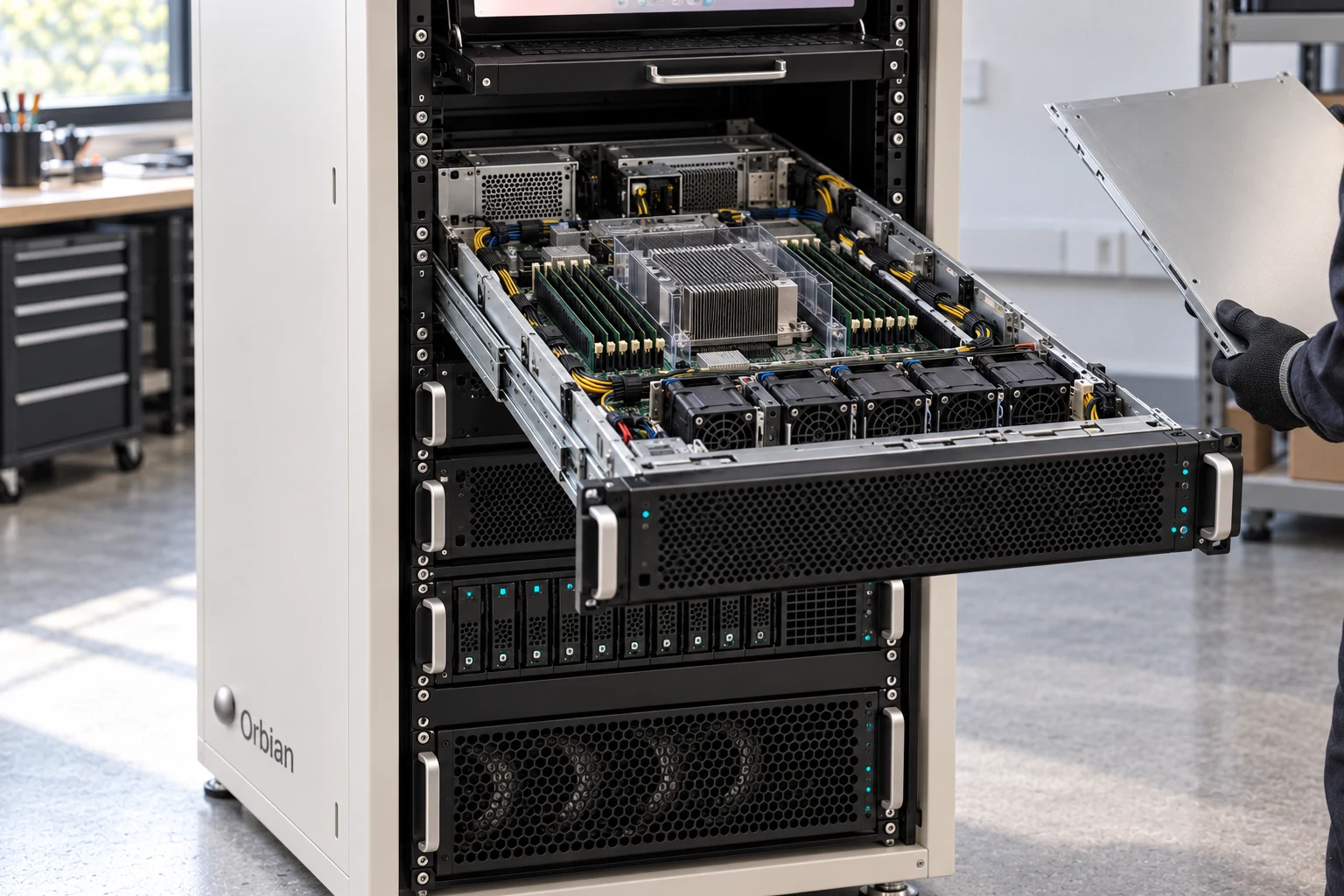
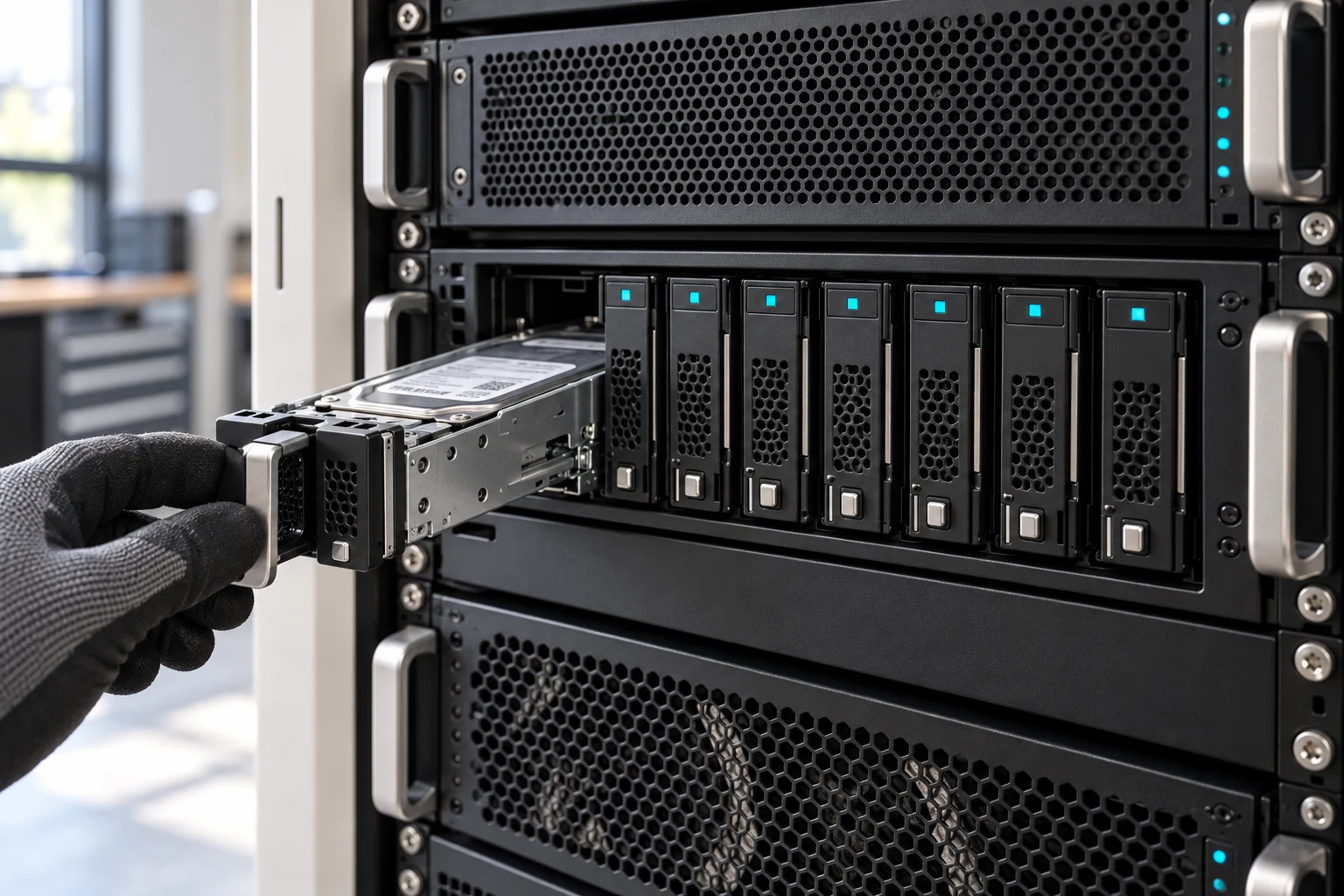
Ready to open up. Built to be maintained.
Rails, trays, handles and cabling are part of the design. Reaching a part is a planned operation, with labelled components and an inventory per server.
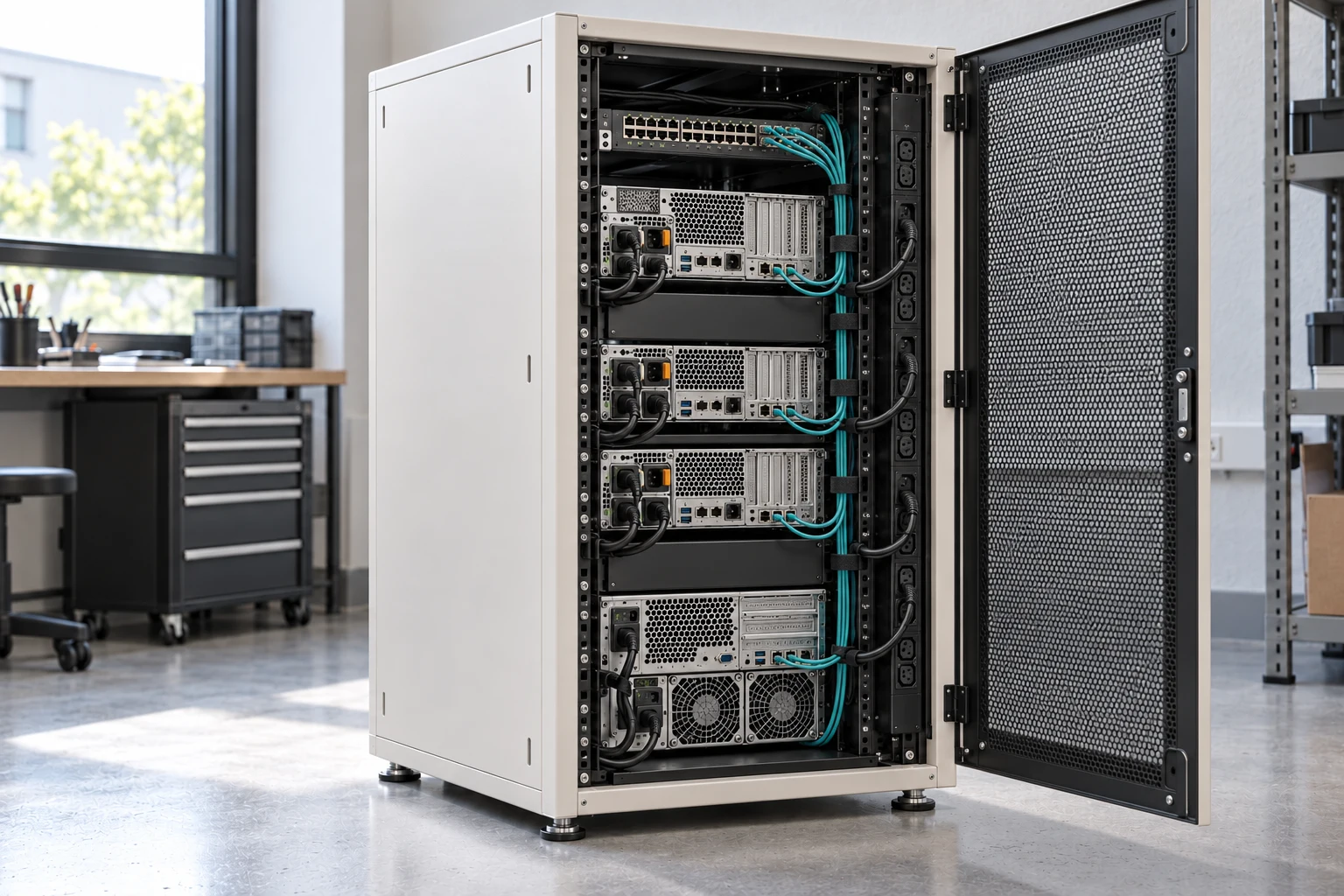
The interior layout, connectors and modules shown are visual proposals. The final design requires mechanical, thermal and electrical validation.
We install it. And get it running.
Installation in your office and rollout are included in the price. We’re with you from design to your team’s first working day.
Included in the priceSystem design
We review workloads, space, ventilation, electrical installation and expansion.
Assembly and testing
We assemble the rack, inventory every machine and validate the system before delivery.
Installation in your office
We bring it, install it and connect it to your network. Area to be confirmed in the quote.
Accounts, permissions and training
We set up everyone with their permissions and train the team to get started.
Backups and documentation
Backup plan, restore procedure and documentation for your record of processing activities.
What matters, protected and documented.
The team’s data lives in the rack, on drives with redundancy. The backup is kept separately: on a second independent machine, on an offline external backup or at a remote location. Orbian’s Backups app encrypts them on your machine and checks every month that they can be restored.
- RAID 10 or RAIDZ2: survives the failure of one or two drives, depending on the layout.
- Redundancy isn’t a substitute for a backup: that’s why the backup destination is chosen separately.
- Designed to help you comply with the GDPR: data stays in your office and we give you the technical documentation. Compliance also depends on how you use it; review it with your advisor.
One infrastructure. In your space.
From a 12U cabinet to a full 42U rack. Depth, ventilation, maintenance access and electrical installation are assessed with the configuration. Design reference: 24U, 600 × 1,070 × 1,200 mm.
Your rack starts here.
Define what your team needs. Every field explains what it’s for, we check live that everything fits in the rack, and you take your selection to the quote. Exact components are set in the technical proposal.
What’s inside. And what’s still to be measured.
Form factor
| Rack | 19-inch, modular; 12U, 24U or 42U |
|---|---|
| Reference enclosure | 24U · 600 × 1,070 × 1,200 mm |
| Finish | Pearl white with ventilated metal fronts |
| Modules | Network, compute, data, AI, console and power, as separate modules |
Compute and AI
| Nodes | 1 to 6 independent nodes · 2U reserved per node |
|---|---|
| Platform | AMD EPYC or Intel Xeon, depending on the technical proposal |
| Memory | 64 to 512 GB of ECC RAM per node |
| Local AI | 0 to 2 modules of 4U · 24, 48 or 96 GB of graphics memory per module |
| Reference GPU | NVIDIA RTX PRO 6000 Blackwell Server Edition |
Data and network
| Drives | 4, 8 or 12 drives of 4 to 24 TB |
|---|---|
| Layout | RAID 10 or RAIDZ2 |
| Backups | Second machine, offline external backup or remote location |
| Data network | 10 or 25 GbE |
Power and service
| Power protection | Built-in UPS (2U) or your office’s own |
|---|---|
| Console | 1U pull-out with Orbian OS, optional |
| Software | Orbian OS, apps and agreed local models |
| Installation and rollout | Included in the price |
| Noise, power draw and weight | To be confirmed after testing |
| Price | Quote on request |
Hardware subject to validation. CPU, board, RAM, GPU, drives and exact references are set in the technical proposal before you sign. Anything not yet measured is shown as “to be confirmed”.
Everything, from start to finish.
- System design with your team: workloads, space and expansion
- Orbian Server Business assembled and tested, with Orbian OS
- Installation in your office and rollout, included in the price (area to be confirmed in the quote)
- Account and permission setup for each person
- Initial team training
- Written backup plan and restore procedure
- Documentation for your record of processing activities
A single quote.
The hardware, Orbian OS, installation and rollout all go in the same quote, with no public price: we prepare it for your company. Anything left out, such as extended support or third-party cloud services, we tell you in writing.
Two servers. The same Orbian.
| Server HomeReservations coming soon | Server BusinessYou are here | |
|---|---|---|
| Who it’s for | Homes, families and people who code | Offices, firms and teams |
| Form factor | Stackable desktop modules · 400 × 285 × 210 mm cluster | 19" rack of 12U, 24U or 42U · 24U reference |
| Compute | Up to 3 NUC servers · up to 96 GB per server | Up to 6 AMD EPYC or Intel Xeon nodes · up to 512 GB ECC per node |
| Local AI | FUEGO · 24, 48 or 96 GB of graphics memory | 0 to 2 modules · 24, 48 or 96 GB per module |
| Data | Mirrored NVMe or RAID 10 | 4 to 12 drives of up to 24 TB · RAID 10 or RAIDZ2 |
| Backups | LUNAR, offline backup of 4 to 24 TB | Second machine, offline backup or remote location |
| Setup | Guided from the browser; remote or on-site optional | Installation and rollout included in the price |
| Software | Orbian OS preinstalled, licence included | Orbian OS, accounts and permissions per person |
| View page → |
Before you choose your rack.
Is installation included?
Yes. Installation in your office and rollout (accounts, permissions, initial training and documentation) are included in the price. The installation area is confirmed in the quote.
Can I choose the components?
Yes. The configurator captures your requirements; CPU, board, RAM, GPU, drives and exact references are set in the technical proposal before you sign.
Does all the AI work without the internet?
Validated local models and services (such as Orbi 1.1 on Gemma 4) run on your infrastructure. Cloud models, external providers and remote access need a connection.
Is it GDPR compliant?
It’s designed to help you comply: data stays in your office and we give you the technical documentation. Compliance also depends on how you use it, so we recommend reviewing it with your advisor.
Does it include high availability?
Only if it’s designed and contracted for that, with at least three nodes. Multiple nodes and redundant power supplies don’t guarantee service continuity on their own.
How long does installation take?
It depends on your team size and the migration. We’ll tell you in the quote.
How much does it cost?
There’s no public price: it’s quoted for each company and includes installation and rollout. Request a quote with your configuration and we’ll prepare it.
Can I see it working first?
Yes: book a demo and we’ll show you Orbian and its apps with your use case before you decide anything.
Let’s talk about your team.
Plan your configuration and request a quote with it, installation and rollout included. Or book a demo first.