
One place for your home
The concept brings together scenes, rooms, calendar and alerts. A tabletop display with accessible controls and no built-in camera.
In designHub with display
Talk to your home. Or touch it.
The spot in your home where you see and control everything else: lights, climate, sensors and scenes, room by room.
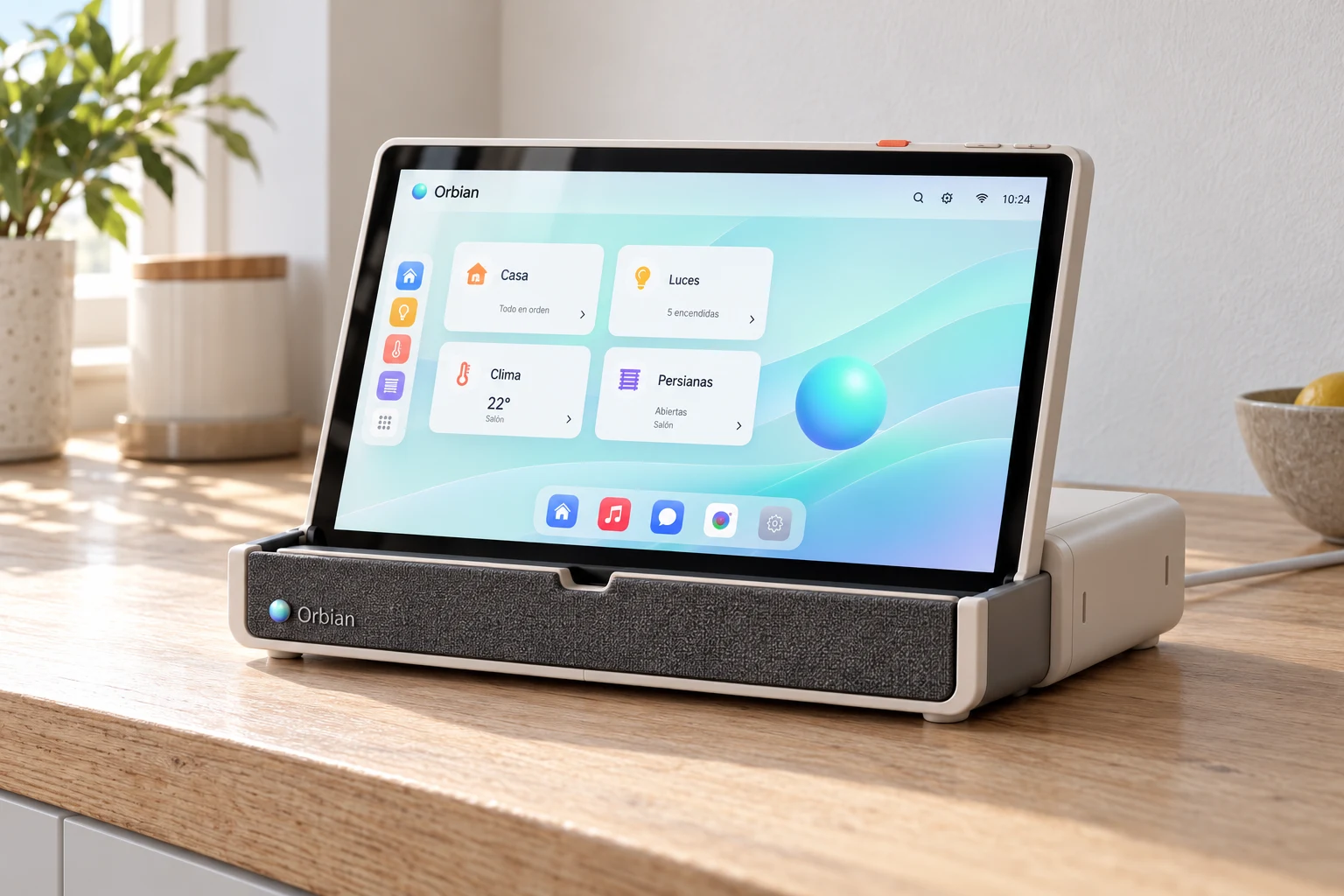
The concept brings together scenes, rooms, calendar and alerts. A tabletop display with accessible controls and no built-in camera.
The AI assistant understands what you ask. Sensitive actions such as unlocking require confirmation; local capability depends on the validated hardware and models.
Ethernet, Wi-Fi and smart home radios are specified in the inventory. Matter, Thread and Zigbee are integrations to be assessed device by device, not a certification already obtained.
Home is the Orbian 2.0 app for your home. It runs on Home Assistant, on your network, and everything Orbi can do has its own permission level.
Try asking
YouHow’s the house?
Orbi checks lights, climate, sensors and energy, and sums it up for you.
Orbi does itYouTurn off the living room lights
It prepares the change and asks for your OK before touching anything.
Asks for your OKYouStart the movie scene
It shows you a card with everything the scene changes. It runs with your click, never by voice alone.
Only with your clickYouOpen the door
It won’t. Locks, alarm and garage are shown with a padlock: only you, with your PIN.
Only you, with a PINExample behaviour based on the Home rules. Not connected to any home.
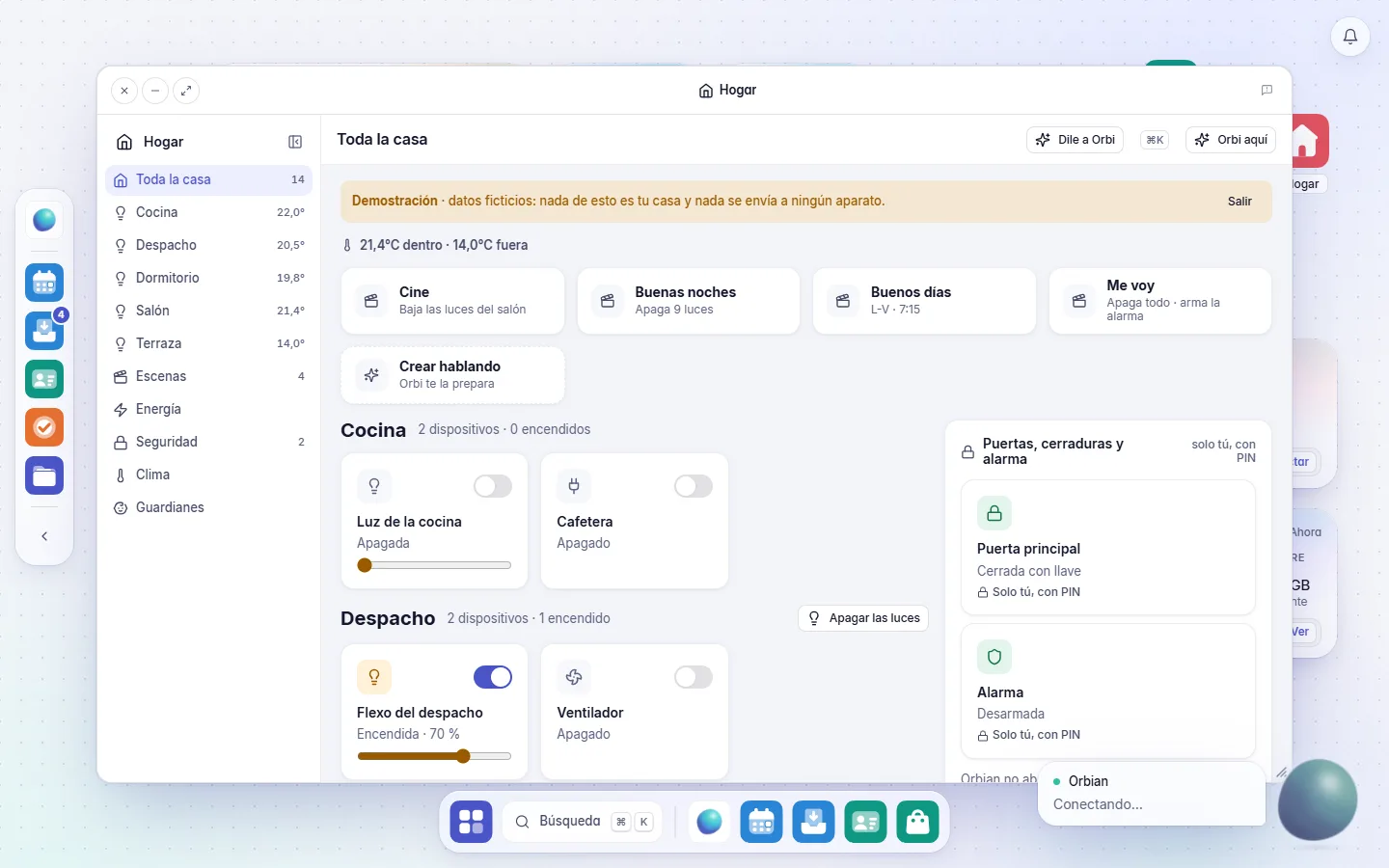
The Hub is the centre: peripherals connect to it and Smart Home organises them by room.
Choose your rooms and what goes in each one. The floor plan draws itself as you go and, when you like it, you request a quote with that selection.
Proposed in the design: a switch you can see that doesn’t depend on software. You can also use it with the display only.
The Hub has no built-in camera. Presence comes from sensors, not images.
Home talks to your Home Assistant inside your home, and Orbian never exposes its interface to the internet. Your access key lives in your vault and is never shown.
It uses cloud AI unless you have an Orbian Server with local models. It never handles anything critical (locks, alarm, shades, valves). Your conversations aren’t used to train models.
“To be confirmed” means it’s set with the final component and its testing. None of this is a final spec sheet.
Smart Home, the Orbian 2.0 app for your home, runs on Home Assistant on your network.
To be assessed device by device. Thread needs a compatible border router.
Needs a coordinator. Not assumed to be included in every variant.
Sharing a protocol doesn’t guarantee every feature. The compatibility list will be built with specific, tested models.
No. Smart Home, the Orbian app for your home, runs on Home Assistant. The Hub is the display and the hub with Orbi; how the work is split between them is set in the design.
Not always. It’s added if the number of cameras, recording or local models need more storage or computing power.
No. In Orbian 2.0, locks, doors, garage, shades, alarm and valves are shown with a padlock: Orbian doesn’t control them, not even with your permission.
Not yet. Orbian Domotic is in design, with no sales, reservations or published price. You can request a quote with your floor plan or book an Orbian demo.
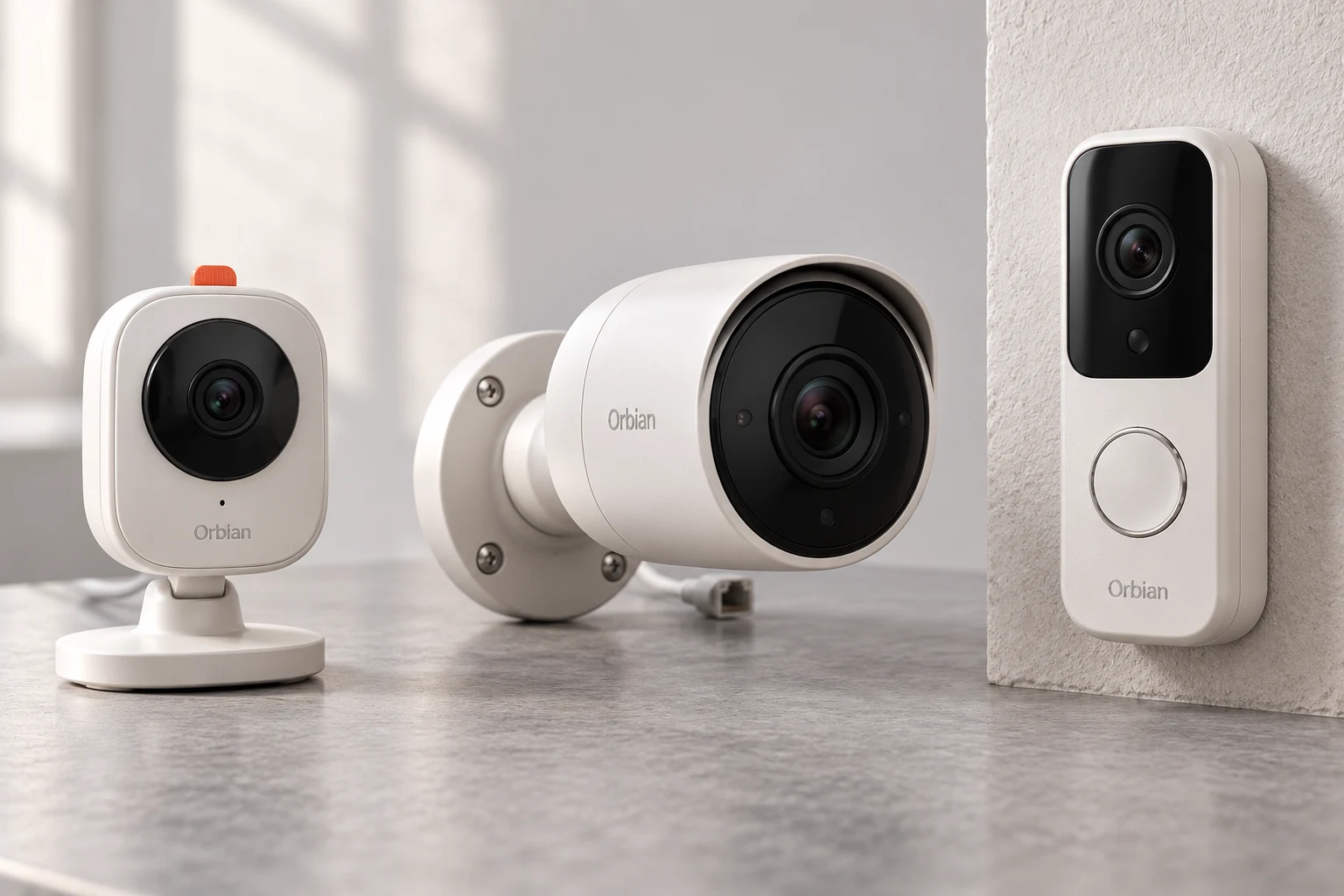 Cameras and accessOrbian Cam InteriorA quick look. Whenever you want.Orbian Cam ExteriorThe outside, under your control.Orbian DoorYour door, one tap away.
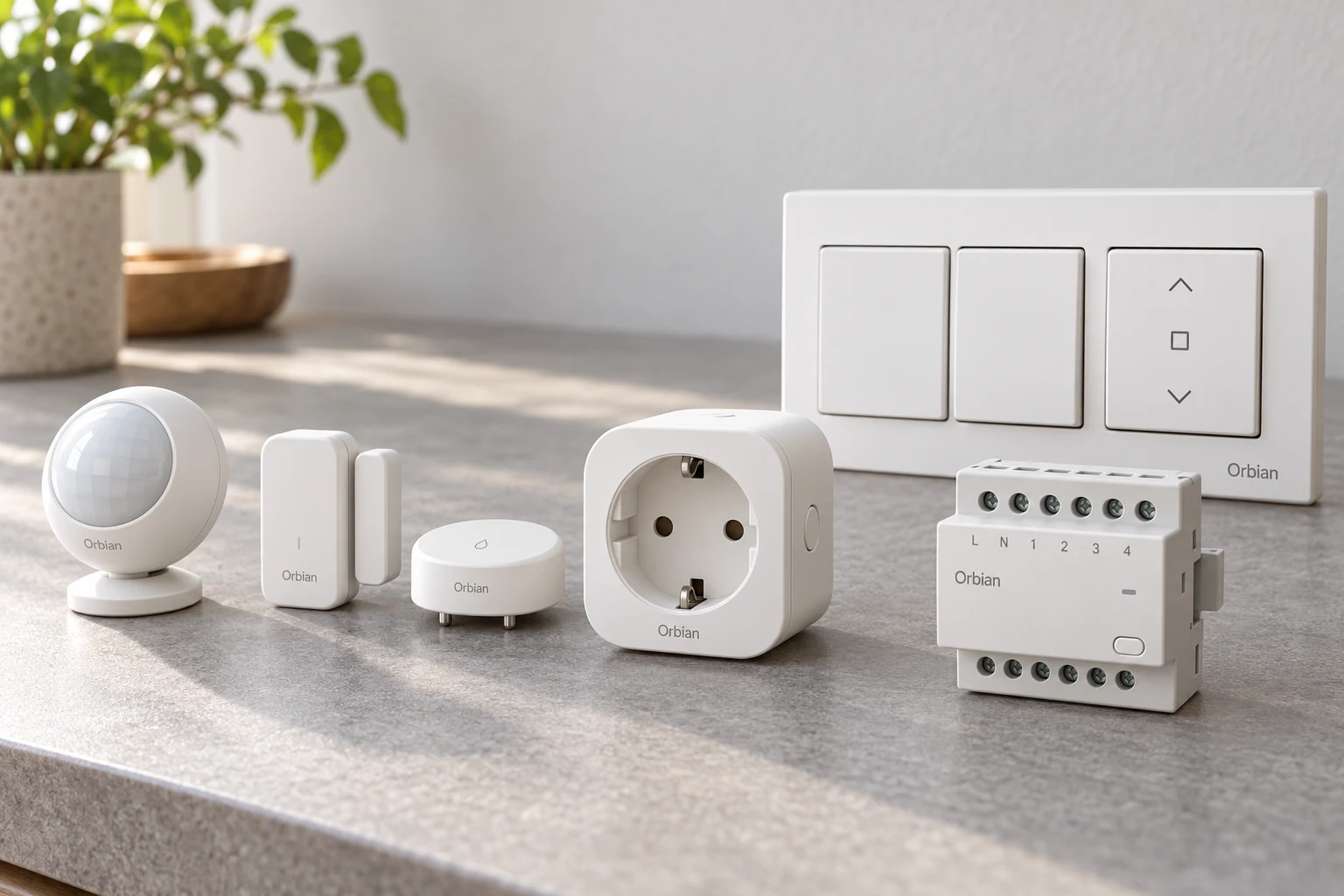 Sensors and controlOrbian SenseYour home lets you know. No cameras needed.Orbian PlugOne plug. More possibilities.Orbian Light ControlLight, just the way you like it.Orbian ShadeOpen up the day. At your pace.
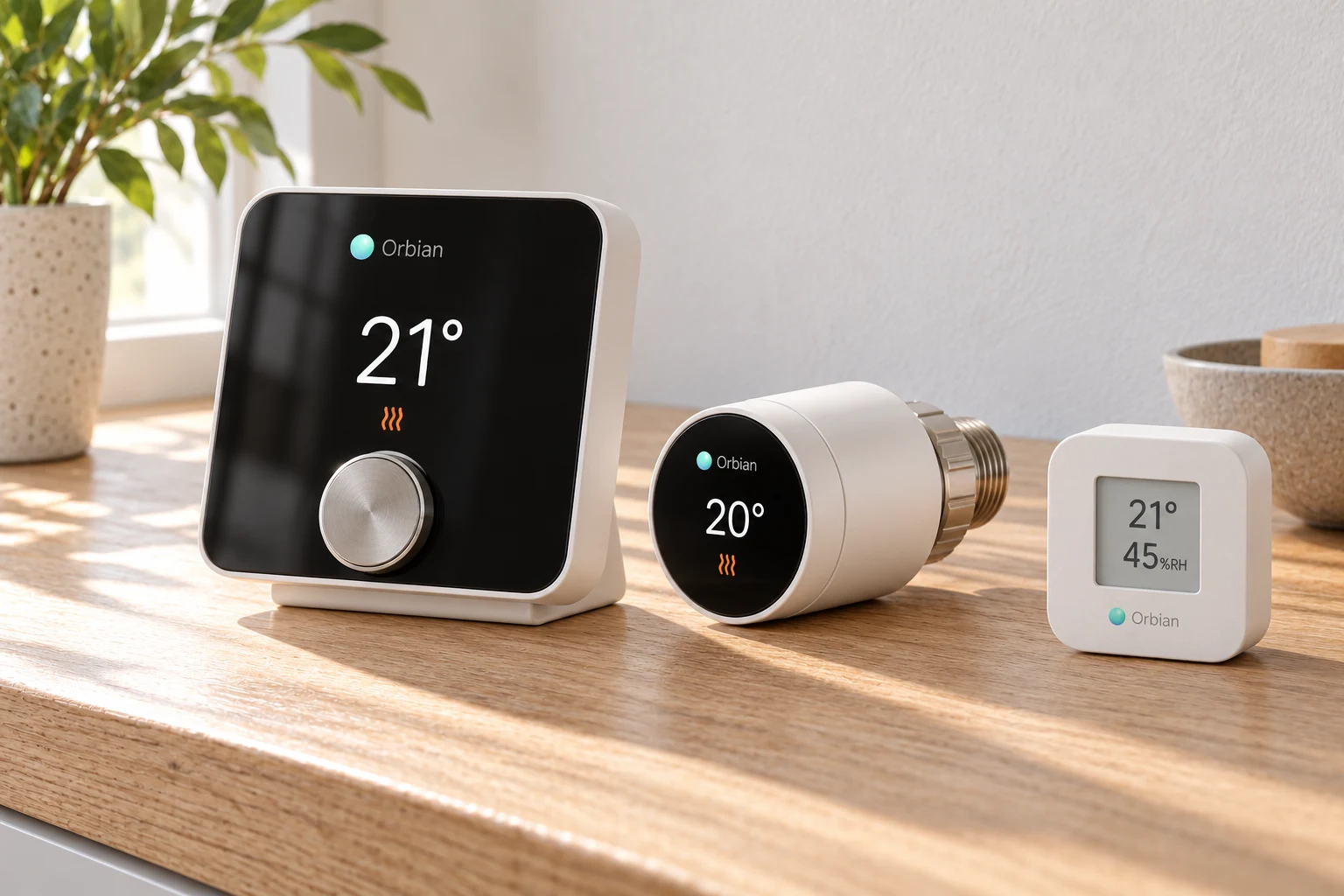 Climate controlOrbian ClimaEvery room at its own temperature.
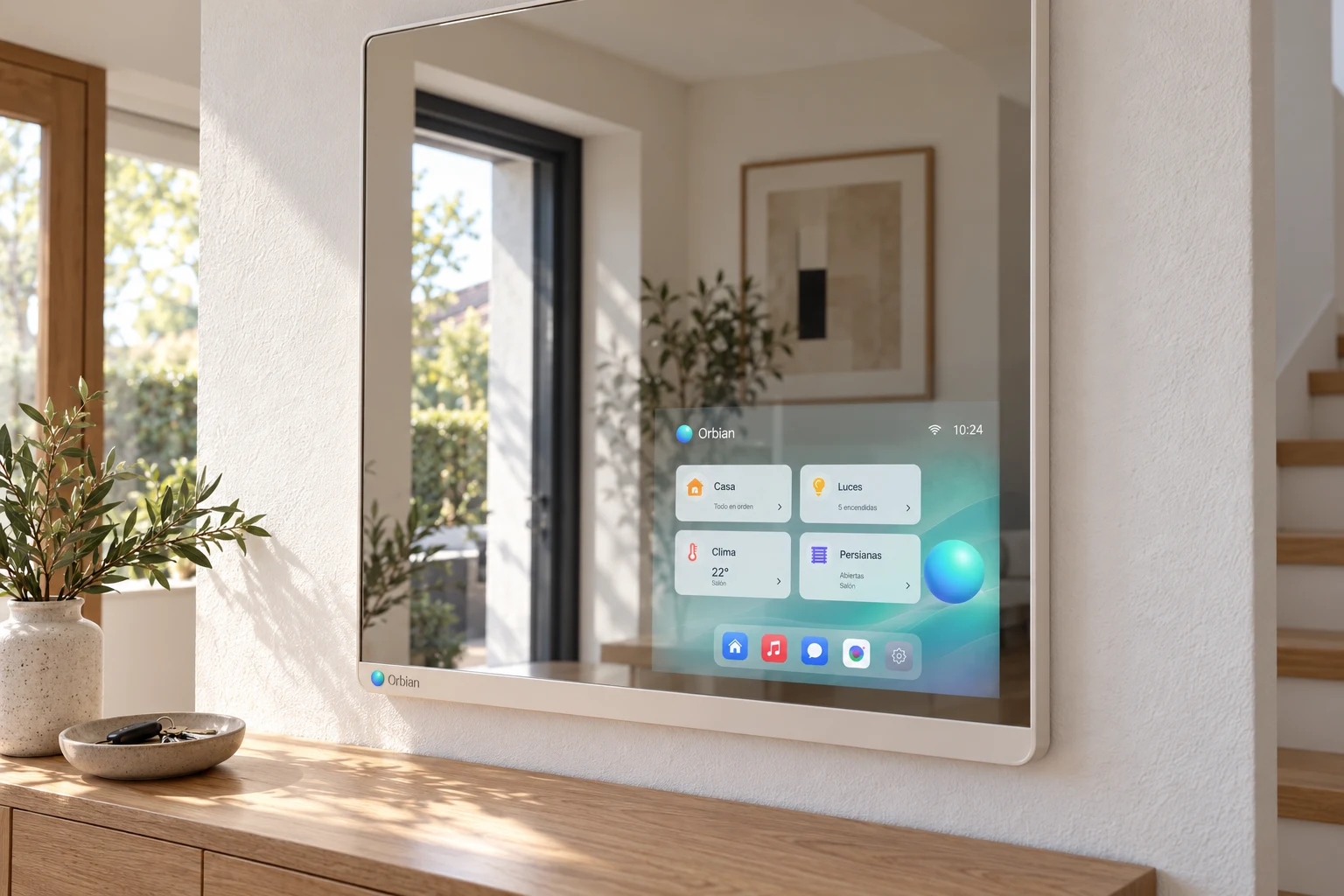 Control surfacesOrbian Mirror / GlassYour home, on glass too.
Tell us what you need or plan your home. We’ll reply with a tailored proposal, no strings attached.

Automated guide
Popular topics
This chat does not send or store your messages. Please do not include personal data.