
Privacy you can see
A manual lens cover and controls to turn off video and sound. The camera isn’t needed for voice or presence sensors to work.
In designCameras and access
A quick look. Whenever you want.
Check on a room when you decide to, with the lens covered the rest of the time.
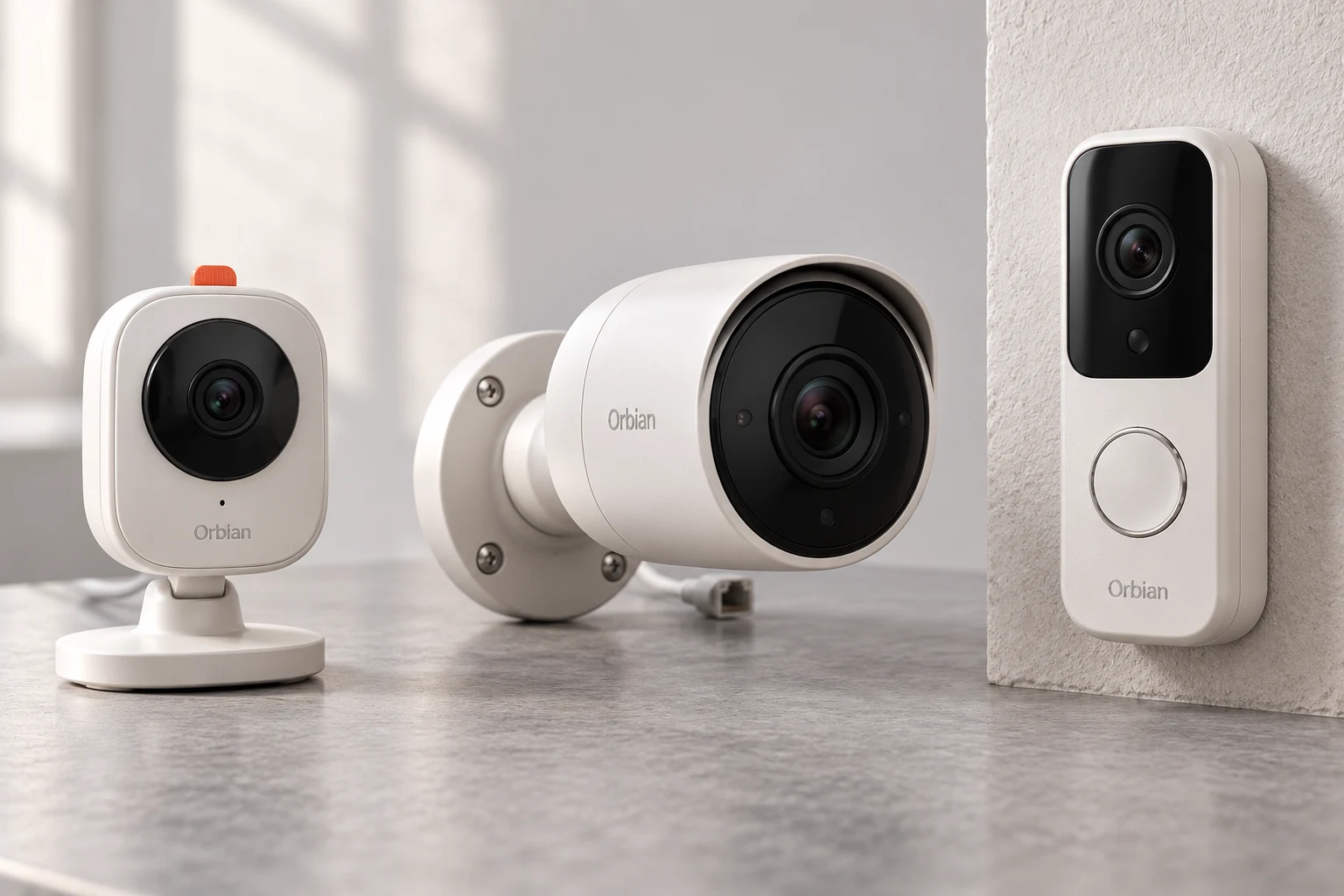
A manual lens cover and controls to turn off video and sound. The camera isn’t needed for voice or presence sensors to work.
Motion, zones of interest and alerts, depending on the features of the chosen sensor and software. Facial recognition is not proposed.
Local recording through a validated integration. Resolution, codec, optics and retention are set before the final proposal.
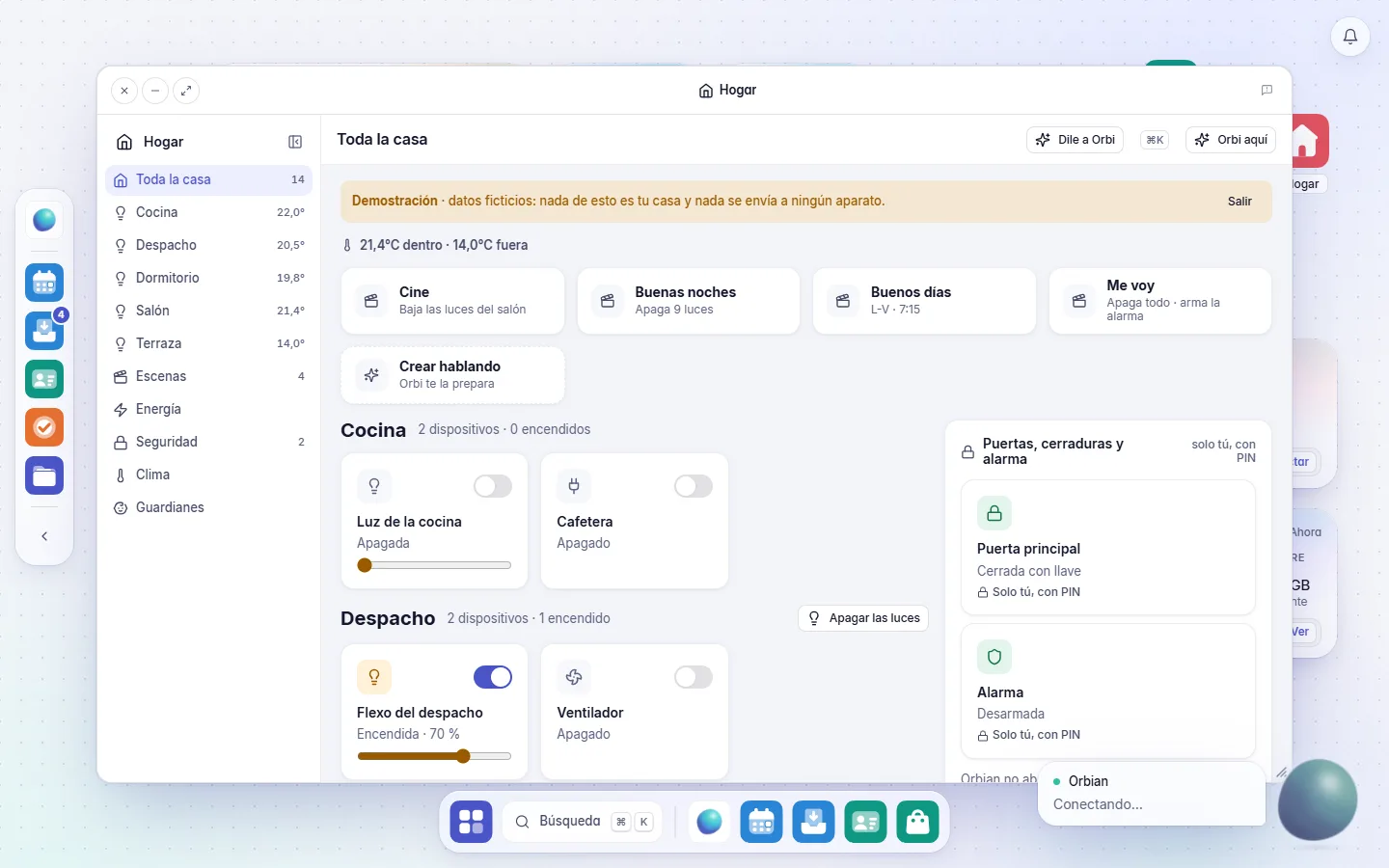
Home is the Orbian 2.0 app for your home. It runs on Home Assistant, on your network, and everything Orbi can do has its own permission level.
Try asking
YouShow me the living room
Smart Home doesn’t show cameras yet. They’ll come in a later version.
Not in Smart Home yetYouWhat does the camera see?
Planned design: video is never sent to the AI model. Orbi doesn’t watch for you.
Only you, with a PINYouIs there movement at home?
Motion sensors already appear in Smart Home, no images needed.
Orbi does itExample behaviour based on the Home rules. Not connected to any home.
Video goes to your system over the network; the connection type is set with the model.
Choose your rooms and what goes in each one. The floor plan draws itself as you go and, when you like it, you request a quote with that selection.
A manual cover you can see from across the room. Video and sound can be turned off.
It isn’t proposed. And by design, video never reaches the AI model.
Home talks to your Home Assistant inside your home, and Orbian never exposes its interface to the internet. Your access key lives in your vault and is never shown.
It uses cloud AI unless you have an Orbian Server with local models. It never handles anything critical (locks, alarm, shades, valves). Your conversations aren’t used to train models.
“To be confirmed” means it’s set with the final component and its testing. None of this is a final spec sheet.
Smart Home, the Orbian 2.0 app for your home, runs on Home Assistant on your network.
Interfaces to be assessed for local video. Events, audio and recording are tested model by model.
Sharing a protocol doesn’t guarantee every feature. The compatibility list will be built with specific, tested models.
The proposal is local recording with a validated integration. To record, you need compatible storage on the Hub or on Server Home.
No. Facial recognition is not proposed.
Not yet: Smart Home in Orbian 2.0 doesn’t include cameras. They’re planned for a later version.
The proposal is a single hub, Orbian Hub, with peripherals connected to it. If you already have a compatible hub, we look into the integration.
Not yet. Orbian Domotic is in design, with no sales, reservations or published price. You can request a quote with your floor plan or book an Orbian demo.
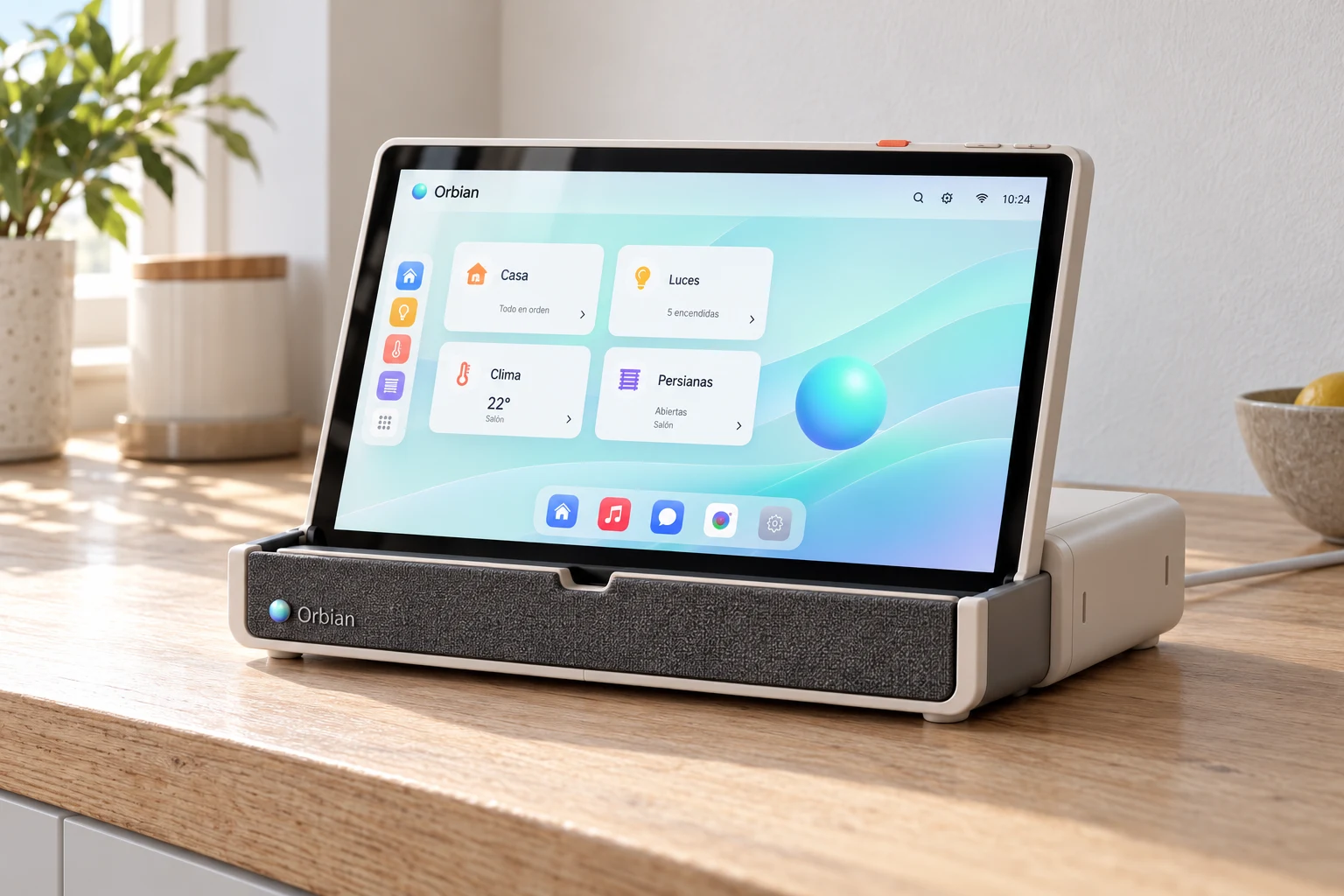 Hub with displayOrbian HubTalk to your home. Or touch it.
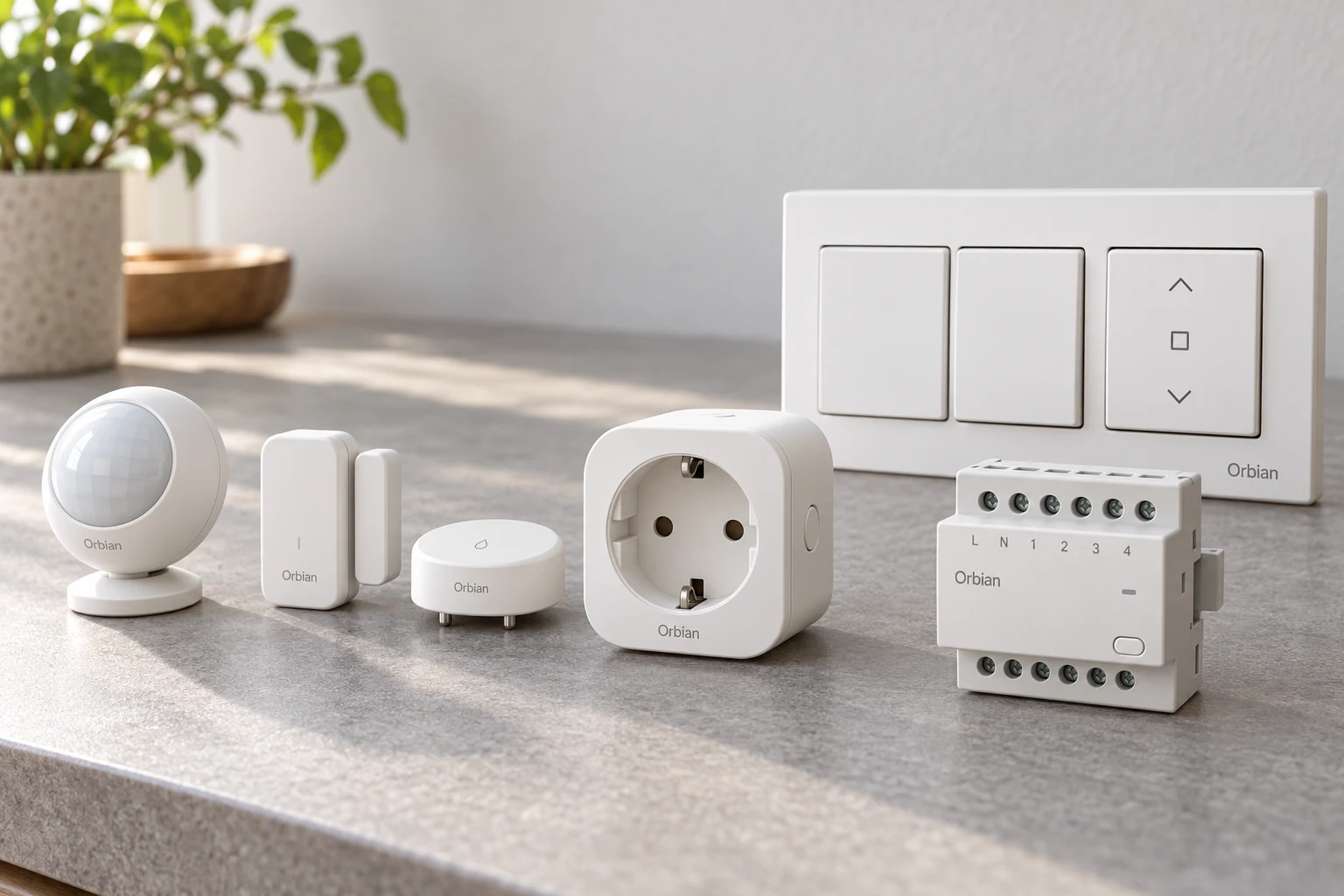 Sensors and controlOrbian SenseYour home lets you know. No cameras needed.Orbian PlugOne plug. More possibilities.Orbian Light ControlLight, just the way you like it.Orbian ShadeOpen up the day. At your pace.
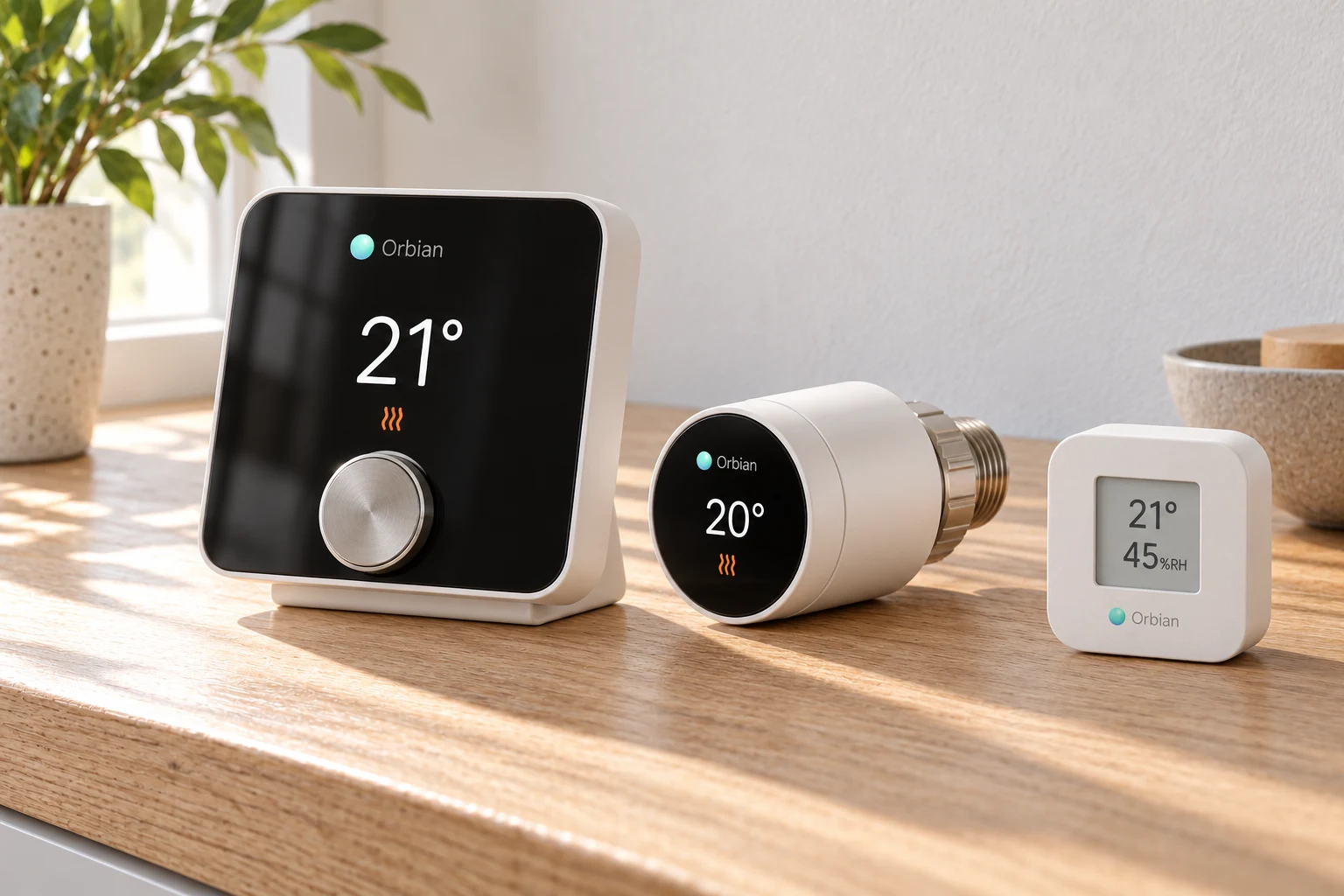 Climate controlOrbian ClimaEvery room at its own temperature.
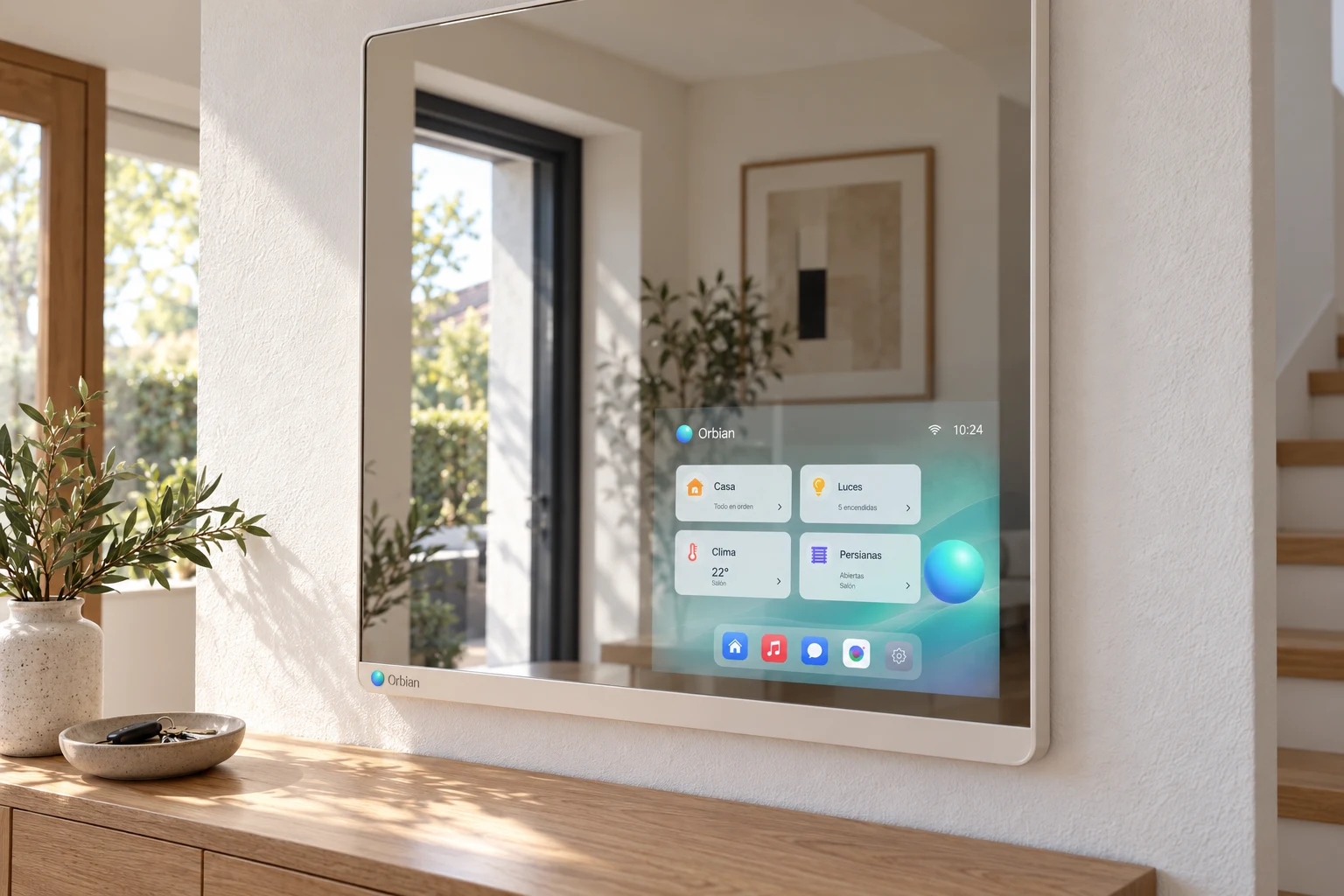 Control surfacesOrbian Mirror / GlassYour home, on glass too.
Tell us what you need or plan your home. We’ll reply with a tailored proposal, no strings attached.

Automated guide
Popular topics
This chat does not send or store your messages. Please do not include personal data.