
Answer from anywhere at home
When someone rings, the proposal shows video and allows two-way talk on authorised displays. Access from outside the home is still to be configured.
In designCameras and access
Your door, one tap away.
Know who’s at the door and answer from the Hub, without getting up to reach the intercom.
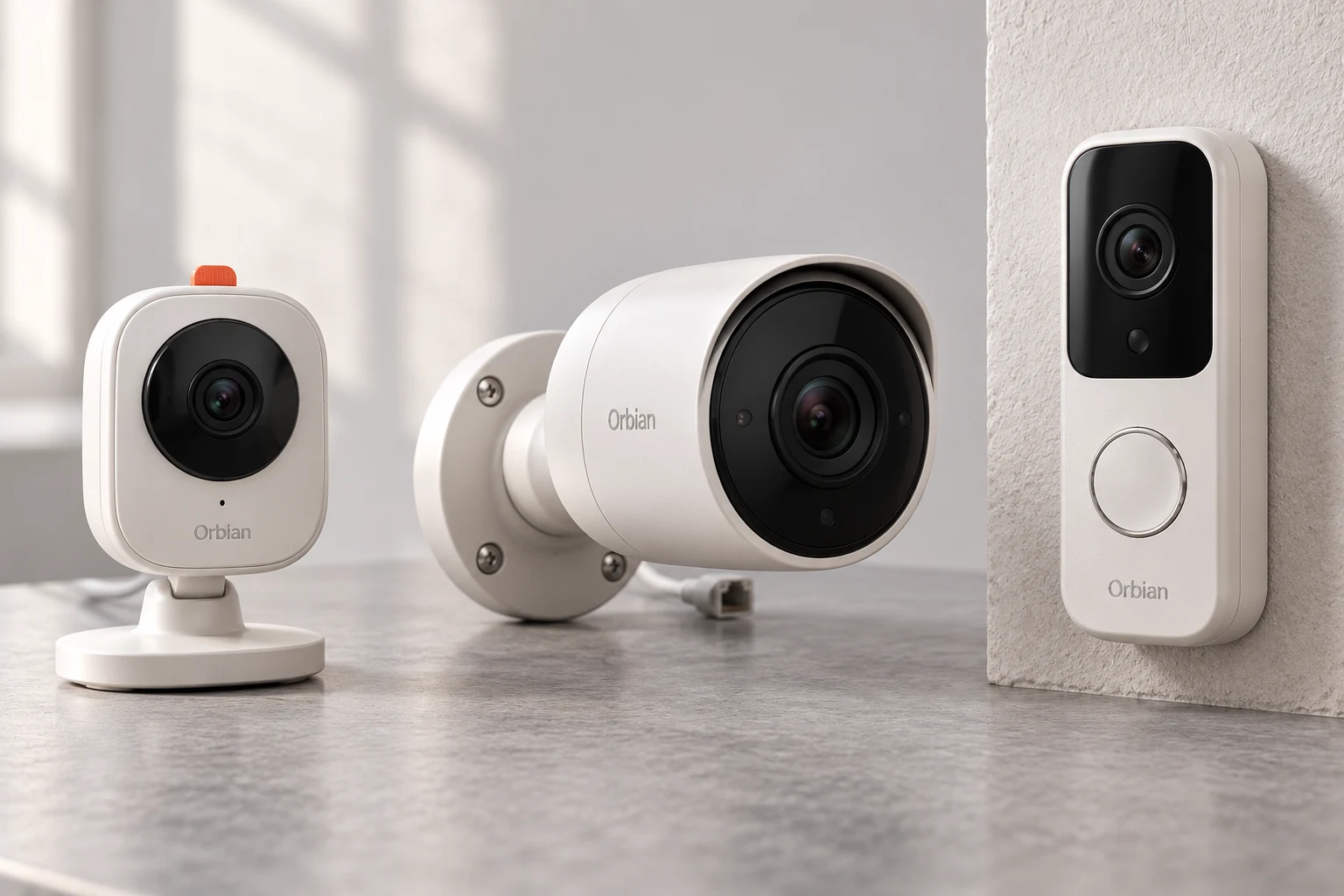
When someone rings, the proposal shows video and allows two-way talk on authorised displays. Access from outside the home is still to be configured.
The module includes no motor or lock. Optional unlocking requires a compatible interface, permissions and explicit confirmation.
Wiring, power and compatibility with the existing system are reviewed first. Direct replacement of any intercom is not guaranteed.
Home is the Orbian 2.0 app for your home. It runs on Home Assistant, on your network, and everything Orbi can do has its own permission level.
Try asking
YouIs the door locked?
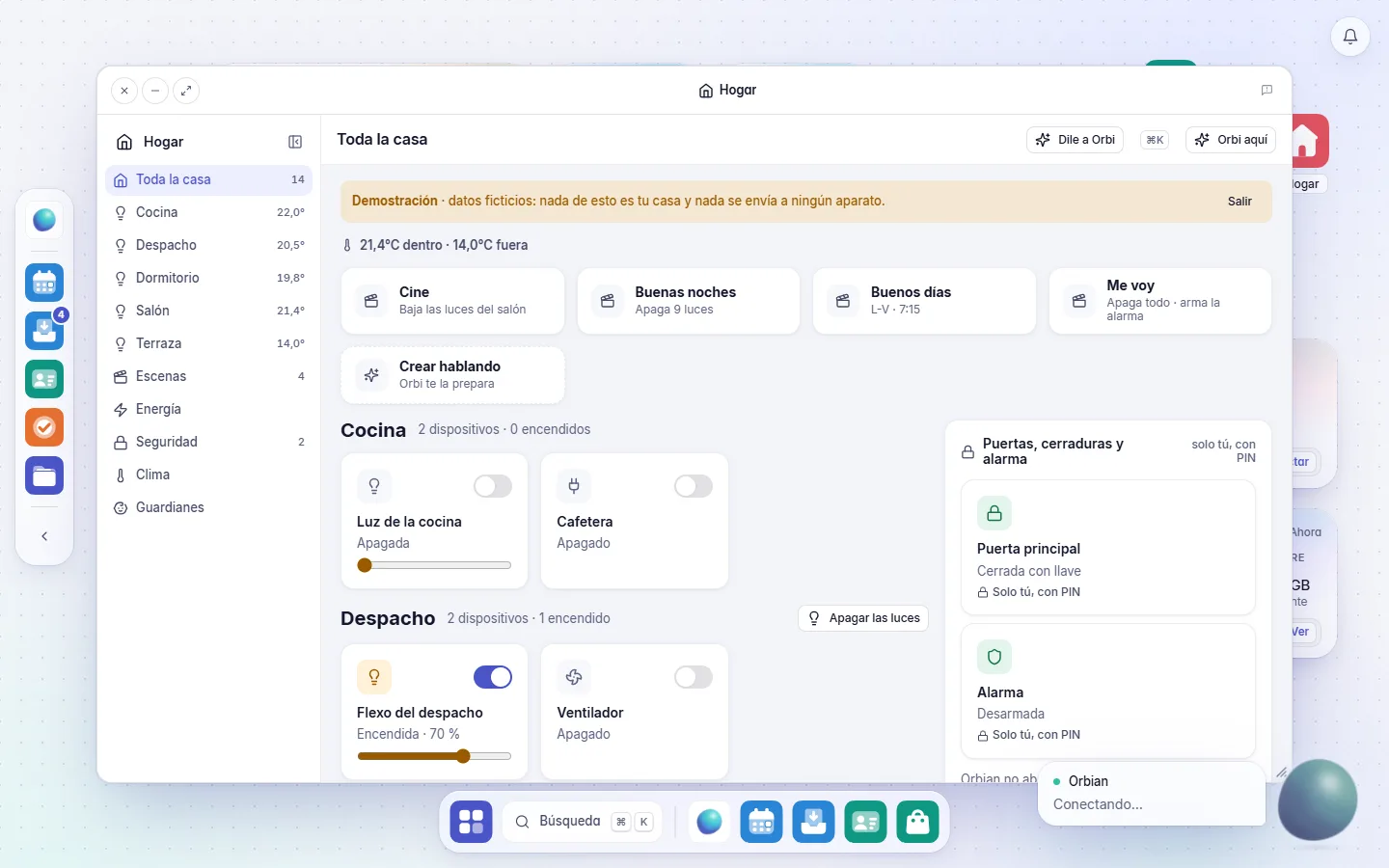
Smart Home shows the status of doors and locks in its security panel.
Orbi does itYouOpen the door
Never from Orbi. It opens with your PIN, in the Home Assistant app.
Only you, with a PINYouSomeone’s ringing
Video doorbell calls in Smart Home are still to be developed.
Not in Smart Home yetExample behaviour based on the Home rules. Not connected to any home.
The existing wiring is reviewed before proposing anything.
Choose your rooms and what goes in each one. The floor plan draws itself as you go and, when you like it, you request a quote with that selection.
Orbian doesn’t unlock doors, not even with your permission. Unlocking, if available, uses your PIN.
The call only appears on the displays in your home that you authorise.
Home talks to your Home Assistant inside your home, and Orbian never exposes its interface to the internet. Your access key lives in your vault and is never shown.
It uses cloud AI unless you have an Orbian Server with local models. It never handles anything critical (locks, alarm, shades, valves). Your conversations aren’t used to train models.
“To be confirmed” means it’s set with the final component and its testing. None of this is a final spec sheet.
Smart Home, the Orbian 2.0 app for your home, runs on Home Assistant on your network.
Compatibility reviewed for each entrance. Direct replacement is not guaranteed.
Sharing a protocol doesn’t guarantee every feature. The compatibility list will be built with specific, tested models.
It depends on the wiring and the current system. It’s reviewed first; direct replacement of any intercom is not guaranteed.
The module doesn’t include a lock. Optional unlocking needs a compatible interface and your PIN; Orbi never does it.
A shared entrance needs a project and the applicable authorisation. It’s assessed case by case.
The proposal is a single hub, Orbian Hub, with peripherals connected to it. If you already have a compatible hub, we look into the integration.
Not yet. Orbian Domotic is in design, with no sales, reservations or published price. You can request a quote with your floor plan or book an Orbian demo.
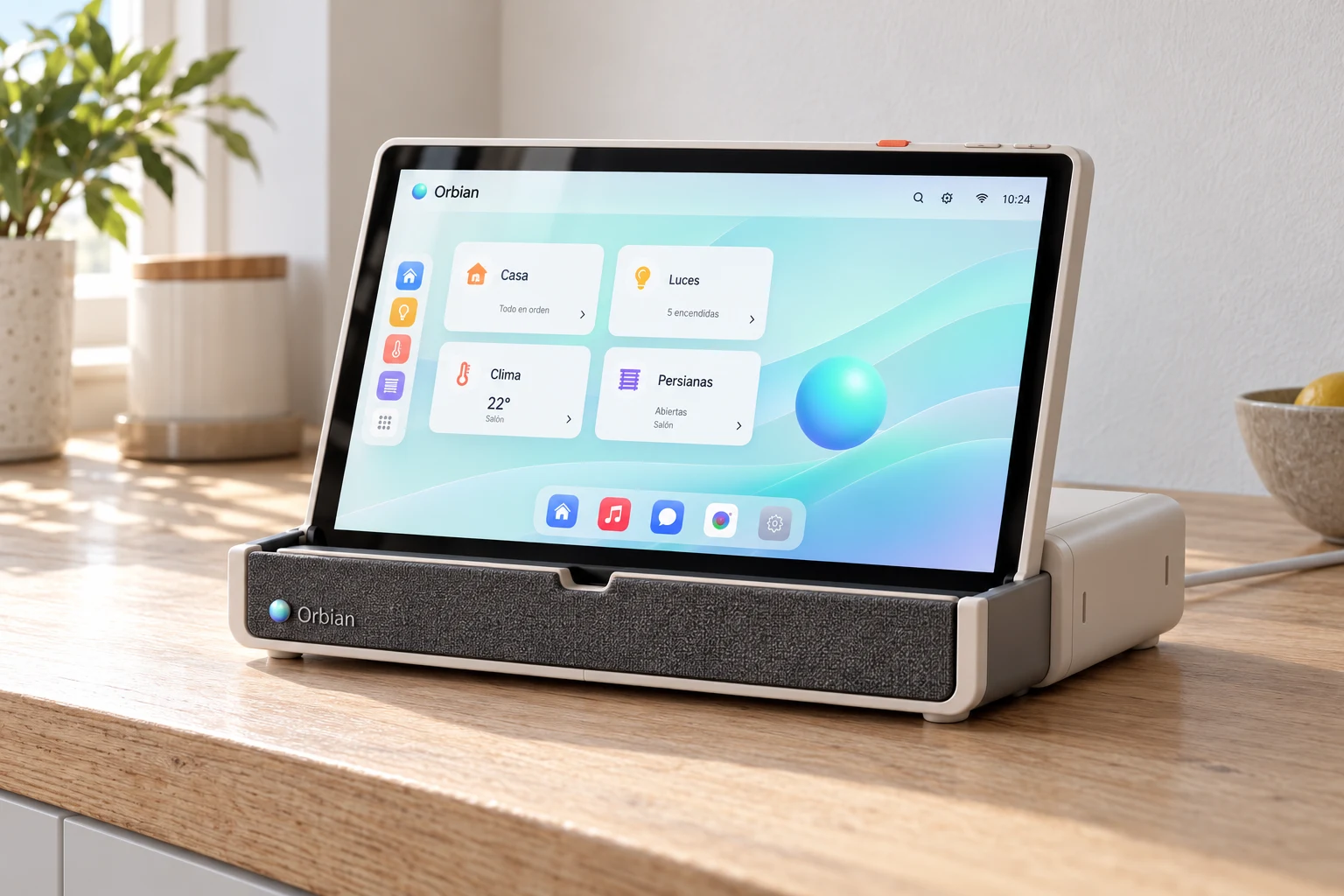 Hub with displayOrbian HubTalk to your home. Or touch it.
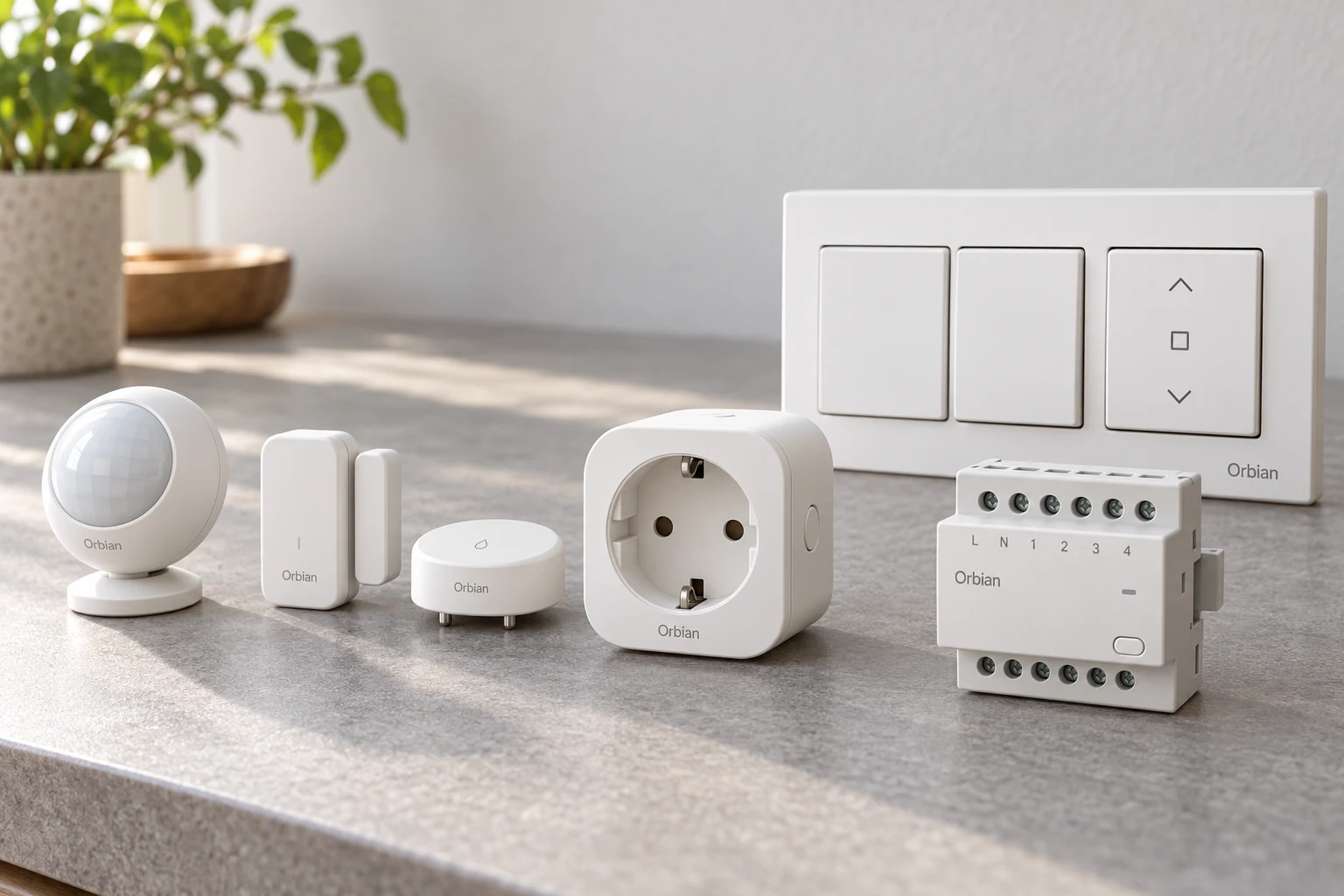 Sensors and controlOrbian SenseYour home lets you know. No cameras needed.Orbian PlugOne plug. More possibilities.Orbian Light ControlLight, just the way you like it.Orbian ShadeOpen up the day. At your pace.
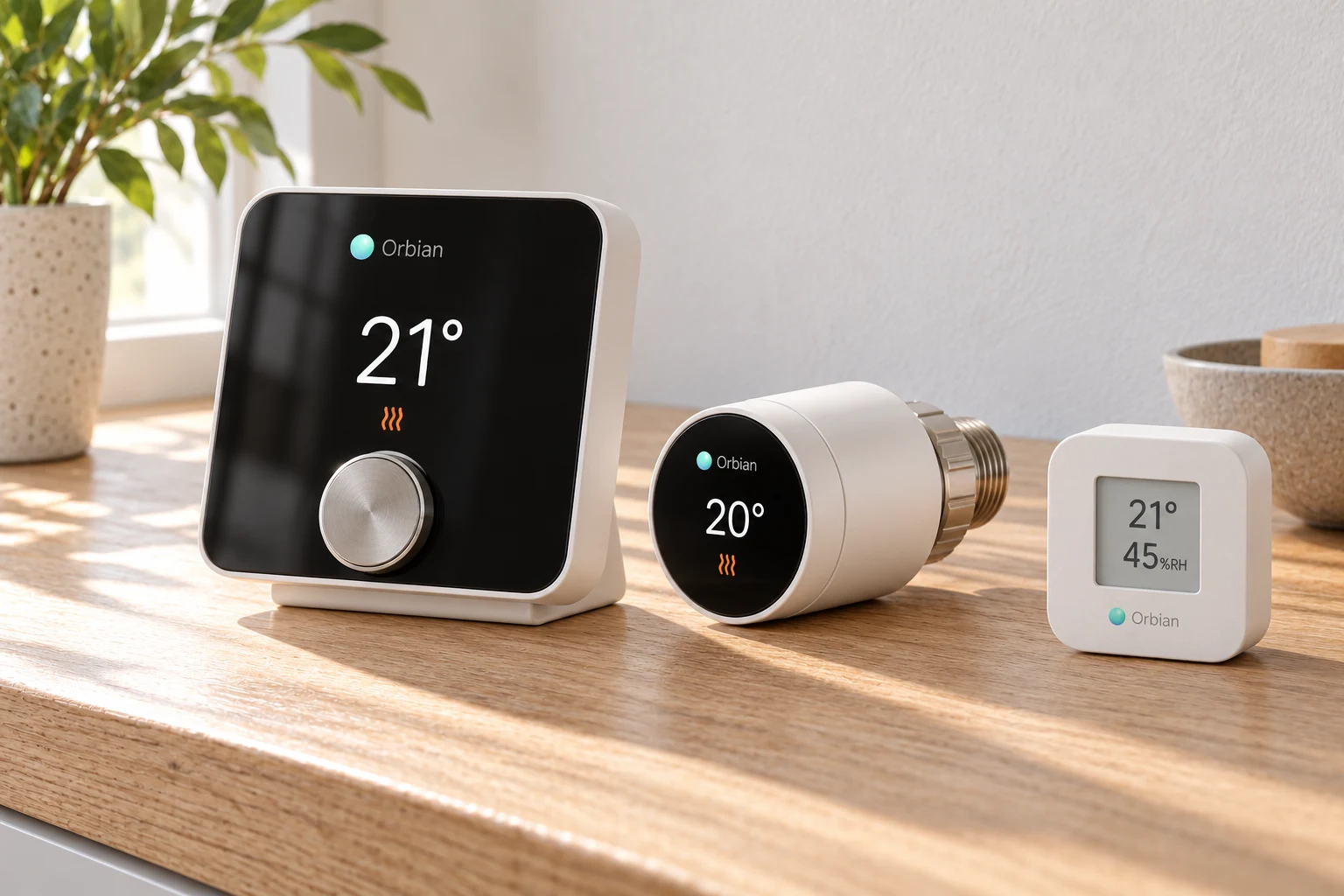 Climate controlOrbian ClimaEvery room at its own temperature.
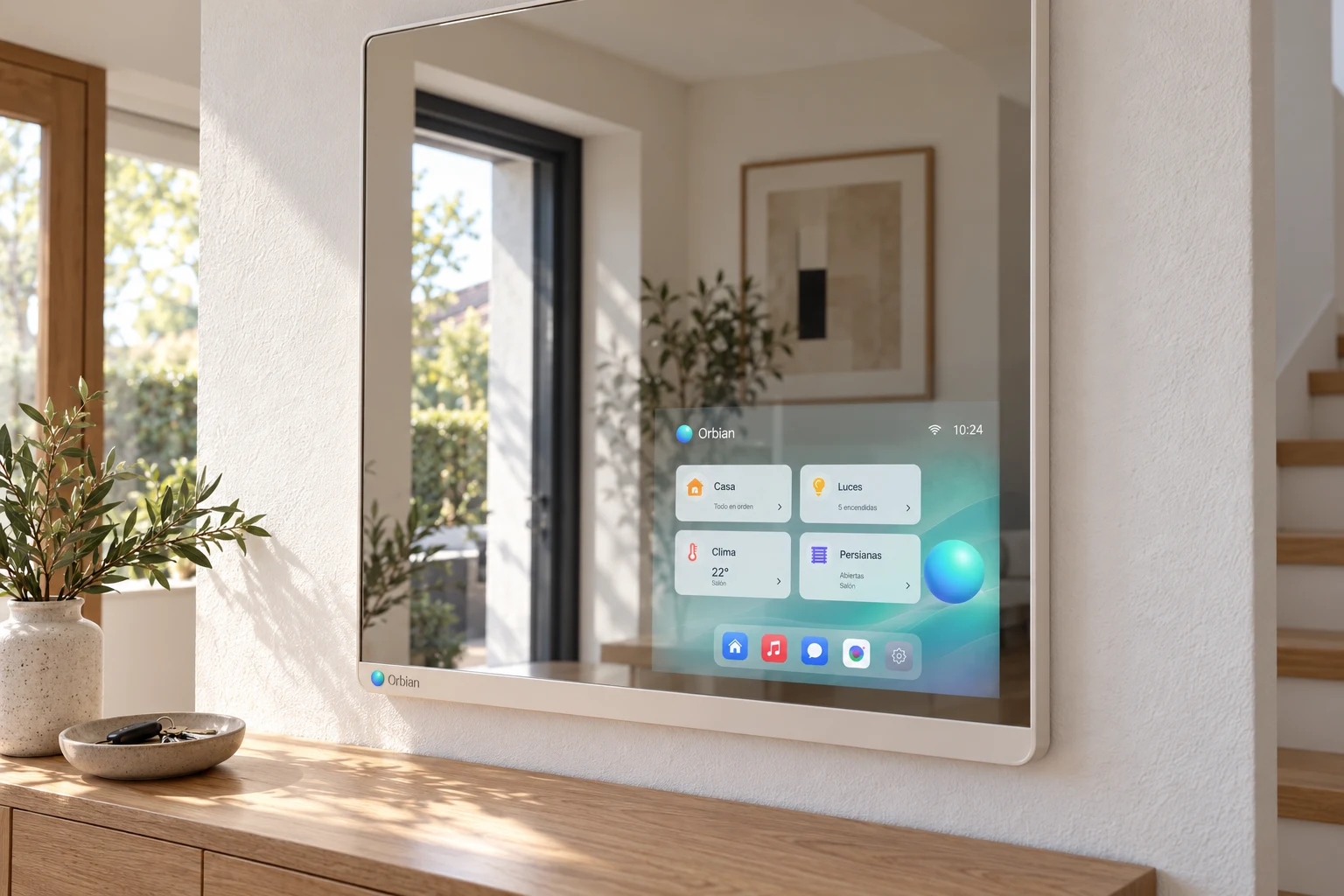 Control surfacesOrbian Mirror / GlassYour home, on glass too.
Tell us what you need or plan your home. We’ll reply with a tailored proposal, no strings attached.

Automated guide
Popular topics
This chat does not send or store your messages. Please do not include personal data.