Looks it up for you
Checks without touching anything.
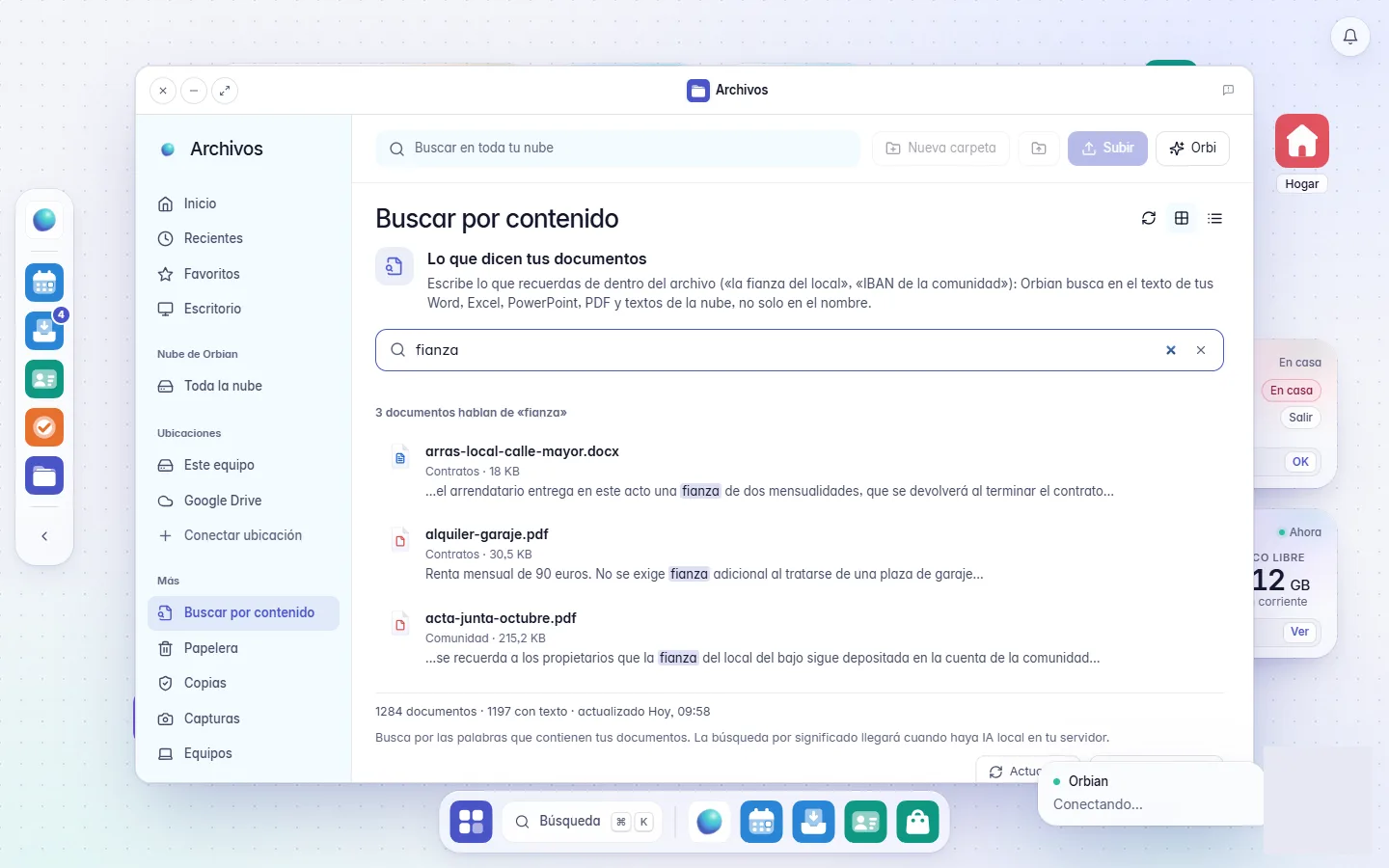
- Search inside your documents
- Browse and read OneDrive and Google Drive
- Tell you whether content search is ready
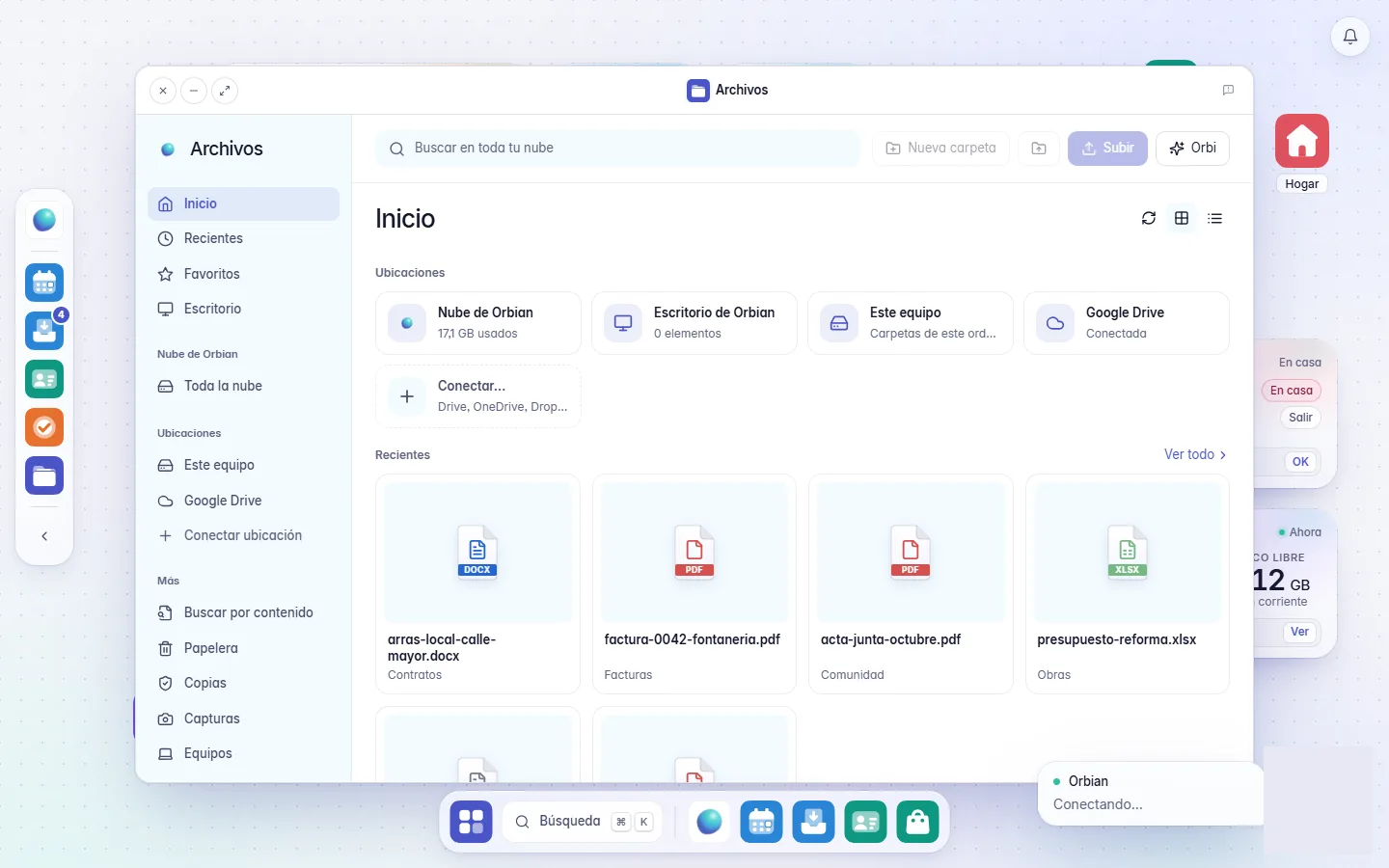
Your files and your clouds in one place, searchable by what they say inside.
How it looks
What you can do
One view for the Orbian cloud, this computer, Google Drive and OneDrive.
Search by what your Word, Excel, PDF and text files say, not just by name.
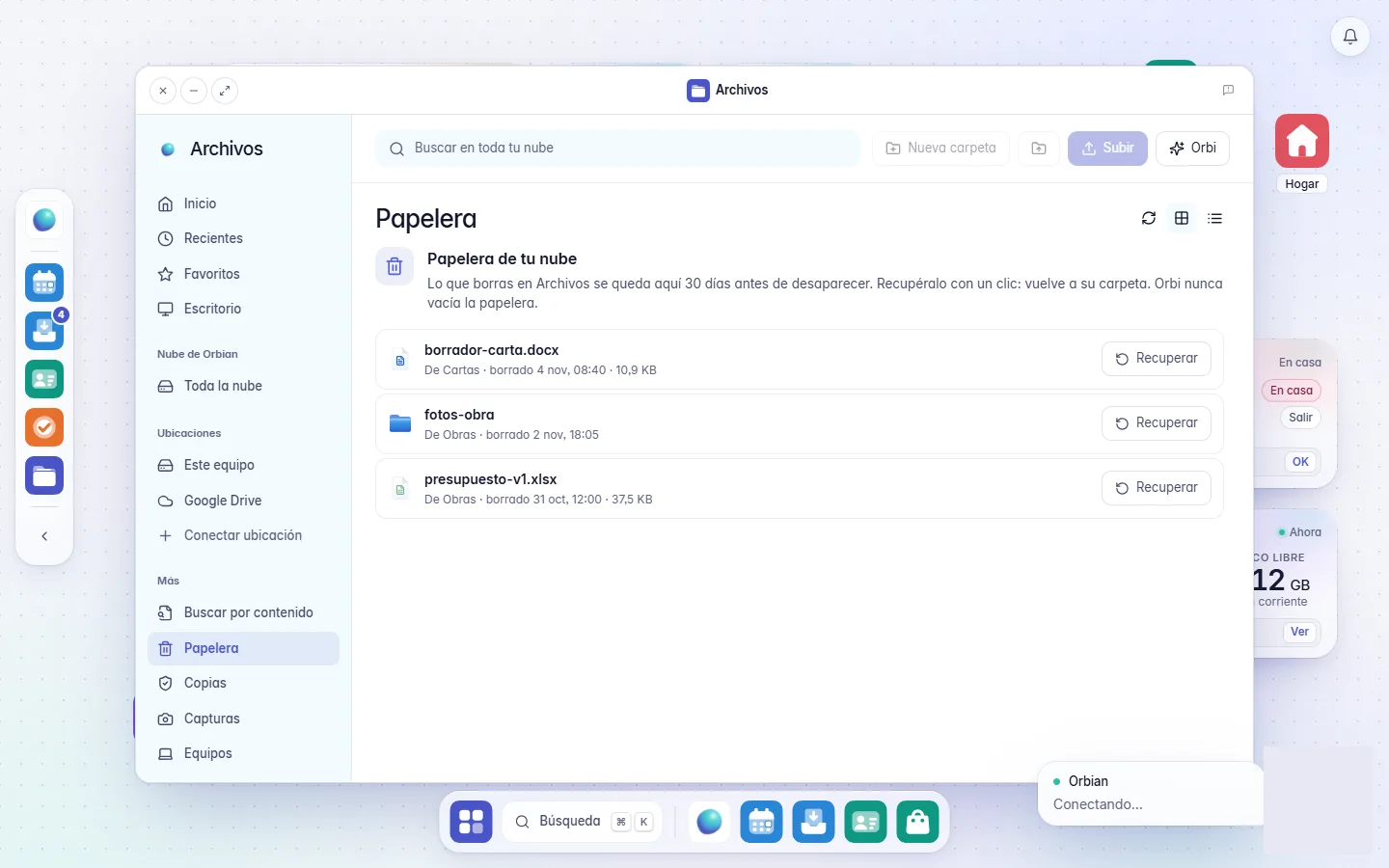
30-day bin with “Restore” on every file.
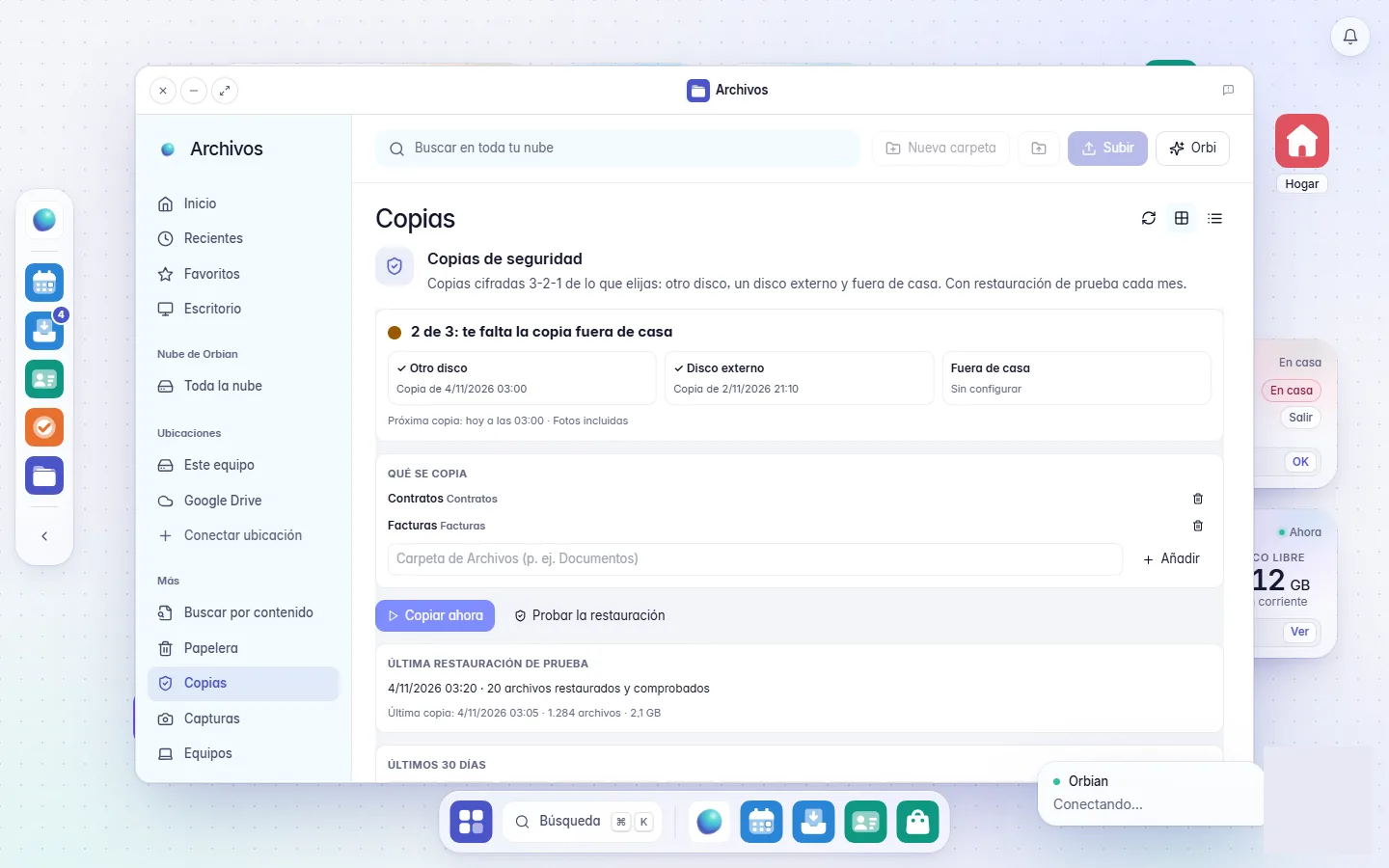
Backups built into Files.
“Convert to…”: turn a file into another format without leaving.
What Orbi does here
Orbi, the AI in Orbian, runs this app for you. Everything it can do sits behind a gate: what it only looks at, what it prepares and what waits for your click.
Checks without touching anything.
Never by voice, never on its own.
Just say it
Orbi is an artificial intelligence and can make mistakes. Before it sends, pays or deletes anything, it always asks you to confirm.
What else Orbi doesNew in Orbian 2.0
One view for all your locations, content search (Word, Excel, PDF and text) that is yours alone, a bin with restore, Backups inside Files, “Convert to…” and Orbi right here.
Compared with the Windows File Explorer, Finder and Google Drive
They store and organise; Files brings your clouds into one view and searches by what your documents say.
Privacy
The content search index is yours alone and lives on your Orbian server. Your clouds connect with your permission and Orbi only reads what you ask it to.
Search by meaning (not just by words) will come once there is local AI on your server.
Connects with
 Google Drive™Your Drive files in Orbian’s file browser.Google LLC
Brands and logos belong to their owners; their use indicates compatibility, not sponsorship.
Related apps
Tell us what you would use it for and we’ll show you how it fits into your day, with no commitment.

Automated guide
Popular topics
This chat does not send or store your messages. Please do not include personal data.