Looks it up for you
Checks without touching anything.
- Check the house and its devices
- Check the thermostat
Lights, scenes, climate and energy at home; the critical things, only you.
How it looks
What you can do
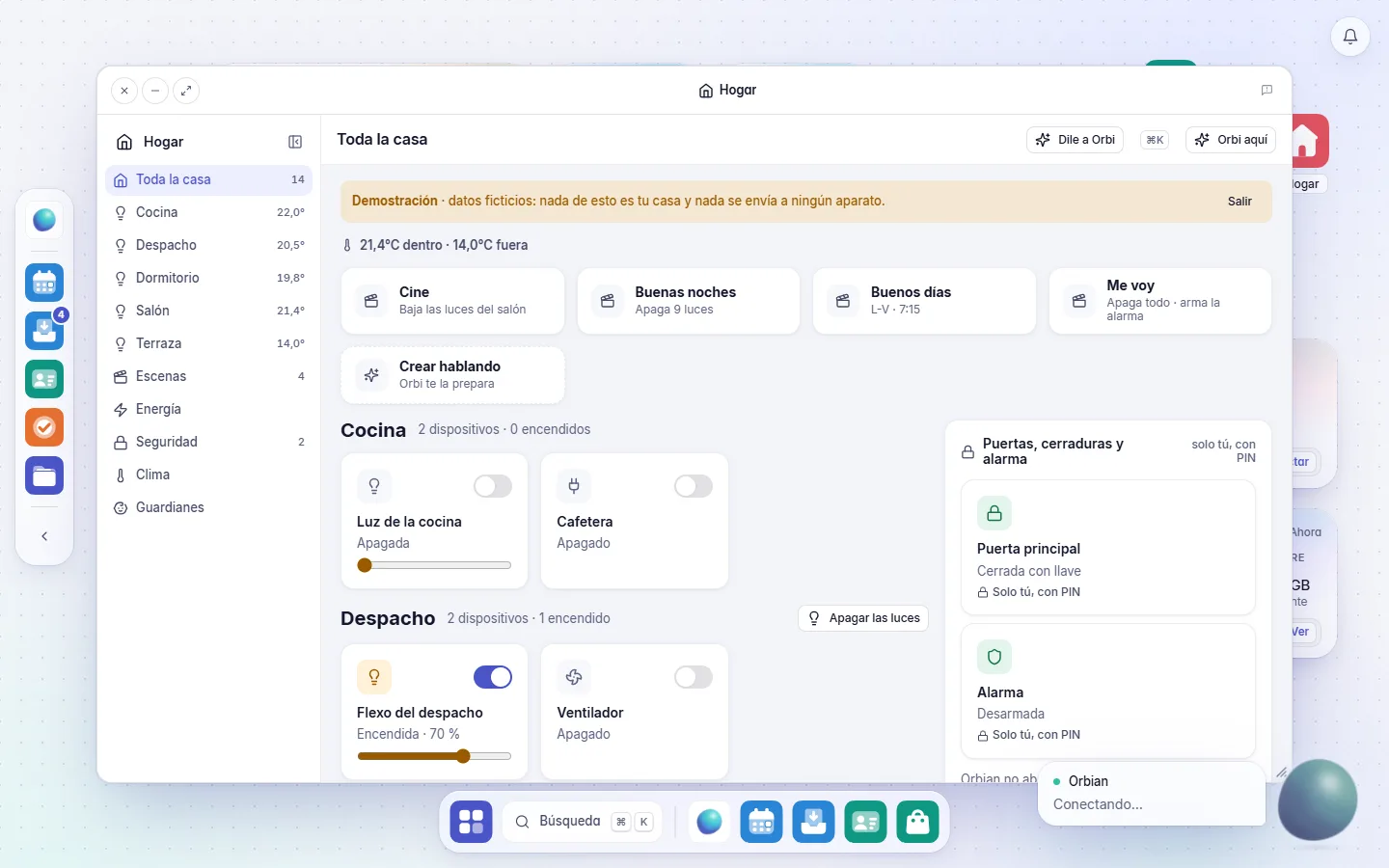
Rooms with brightness and climate.
Scenes as cards: movie night, good night, I’m off…
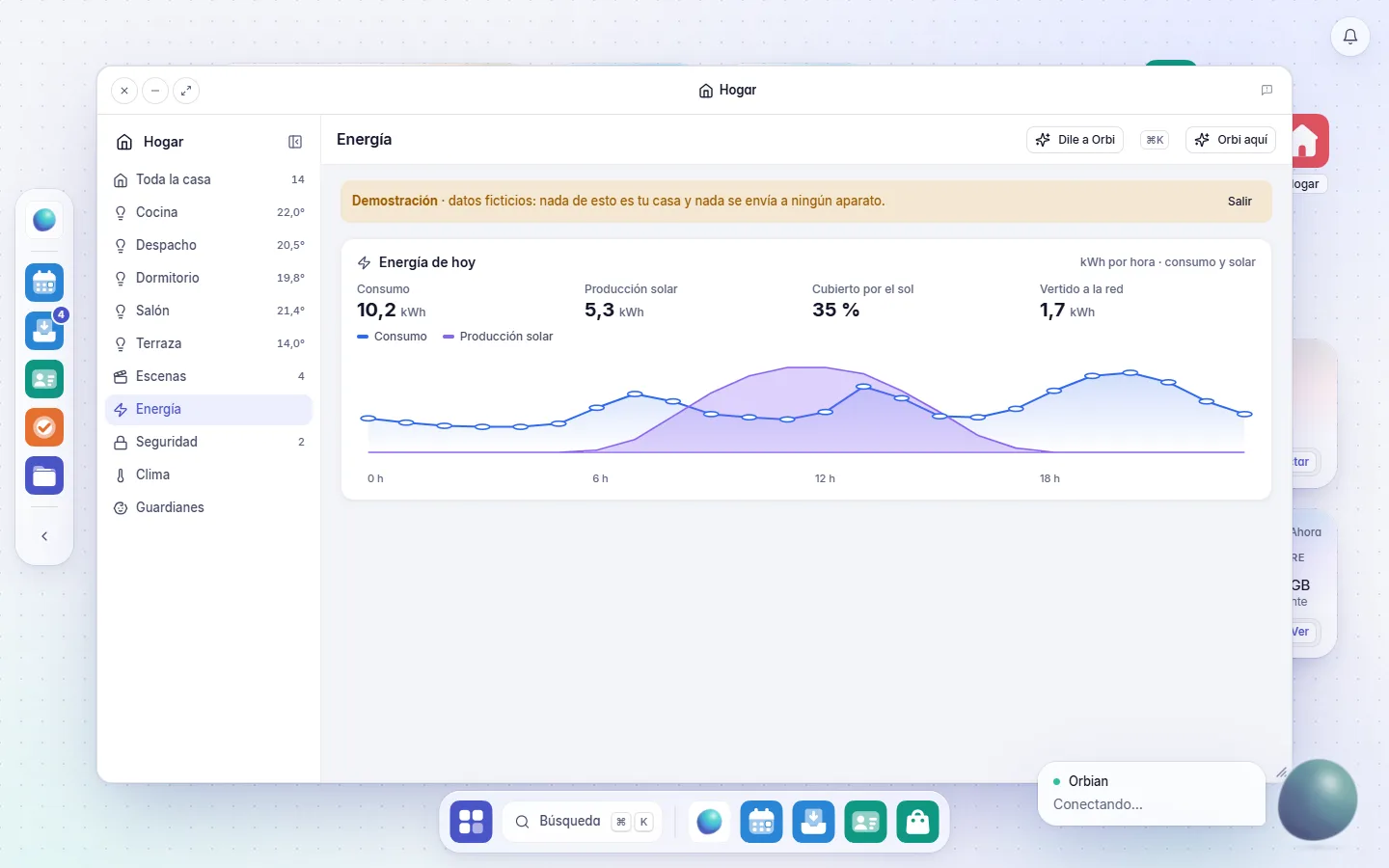
Today’s energy, including solar.
Thermostat with schedules and away mode.
Doors, locks and alarm: only you, with a PIN.
What Orbi does here
Orbi, the AI in Orbian, runs this app for you. Everything it can do sits behind a gate: what it only looks at, what it prepares and what waits for your click.
Checks without touching anything.
Makes the change in plain sight; you correct it or undo it.
Never by voice, never on its own.
Just say it
Orbi is an artificial intelligence and can make mistakes. Before it sends, pays or deletes anything, it always asks you to confirm.
What else Orbi doesNew in Orbian 2.0
Rooms with brightness and climate, scenes as cards, today’s energy, sensors and security without remotes; a demo with dummy data while Home Assistant is off.
Compared with Home Assistant, Google Home, Apple Home and SmartThings
Home runs on your Home Assistant: it gives it a simple face and adds Orbi, without handing over the keys to anything critical.
Privacy
Home talks to your Home Assistant. It only stores which devices you see from Orbi; your token is kept in your vault and is never shown.
Home Assistant (your home)
Needs your Home Assistant; until you connect it, you will see a demo with dummy data. Locks and alarm are not controlled by Orbi: only you, with a PIN.
Connects with
Brands and logos belong to their owners; their use indicates compatibility, not sponsorship.
Related apps
Tell us what you would use it for and we’ll show you how it fits into your day, with no commitment.

Automated guide
Popular topics
This chat does not send or store your messages. Please do not include personal data.